Using the Product Catalog
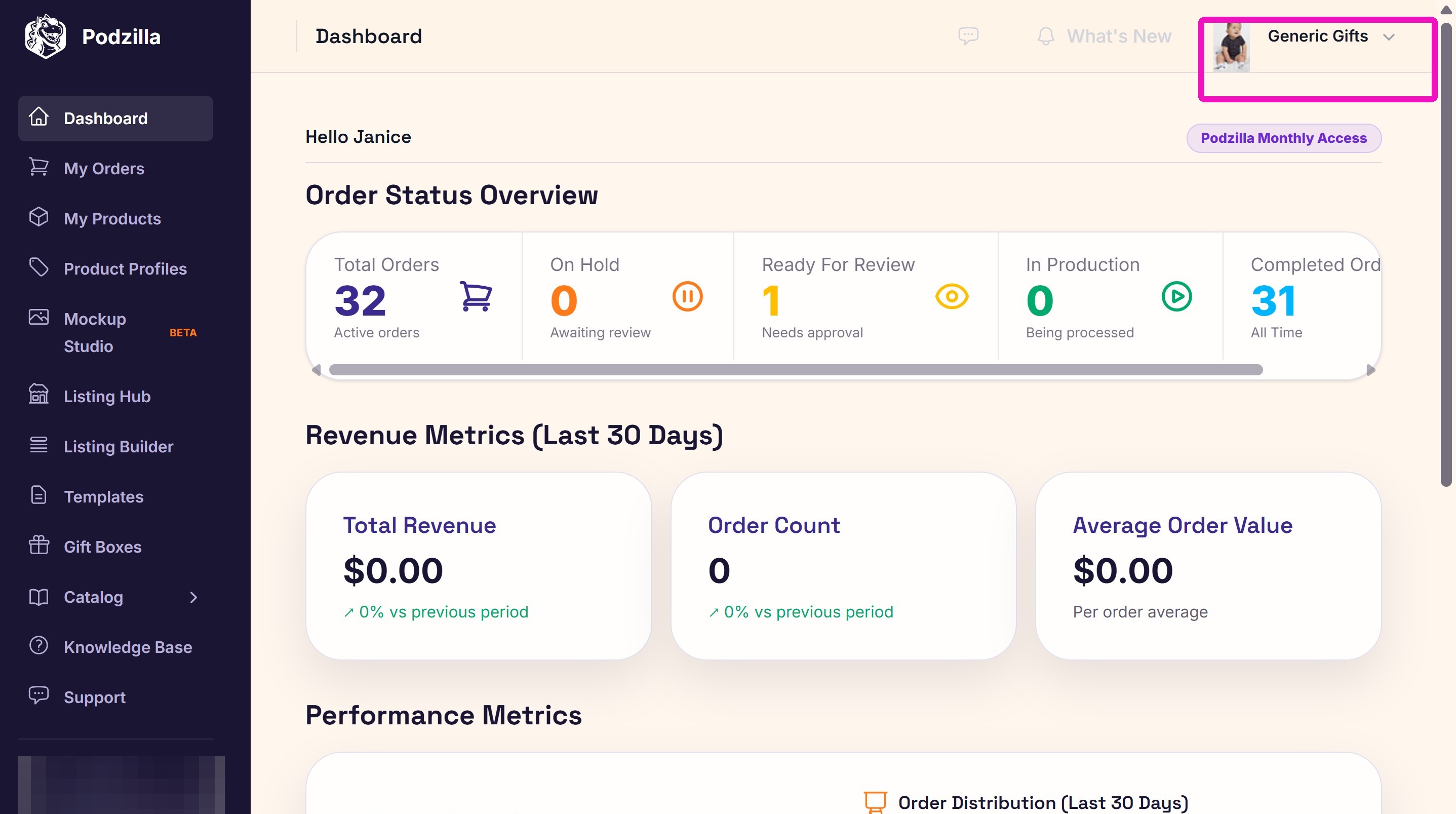
2. Click Catalog from the side menu.
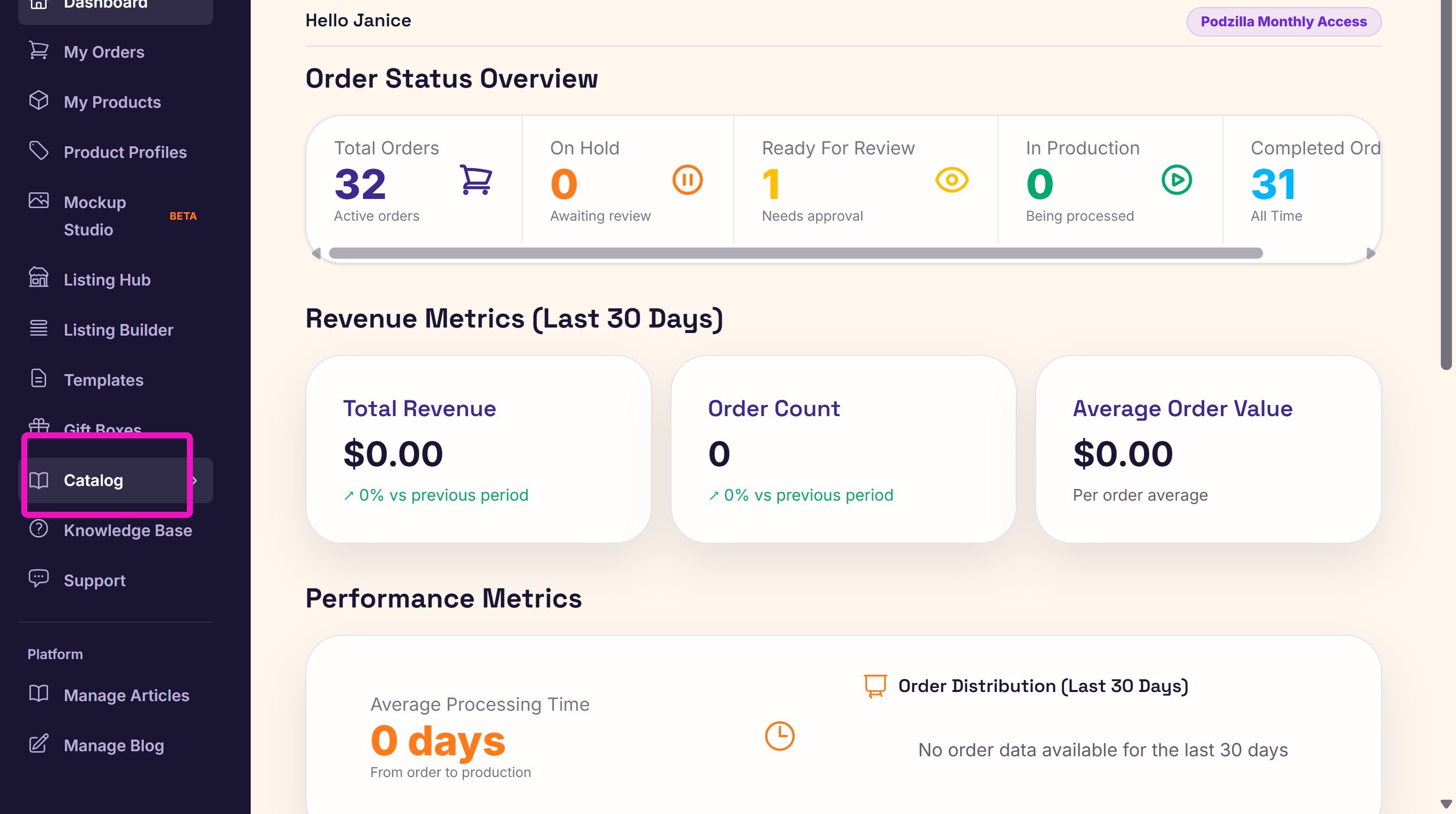
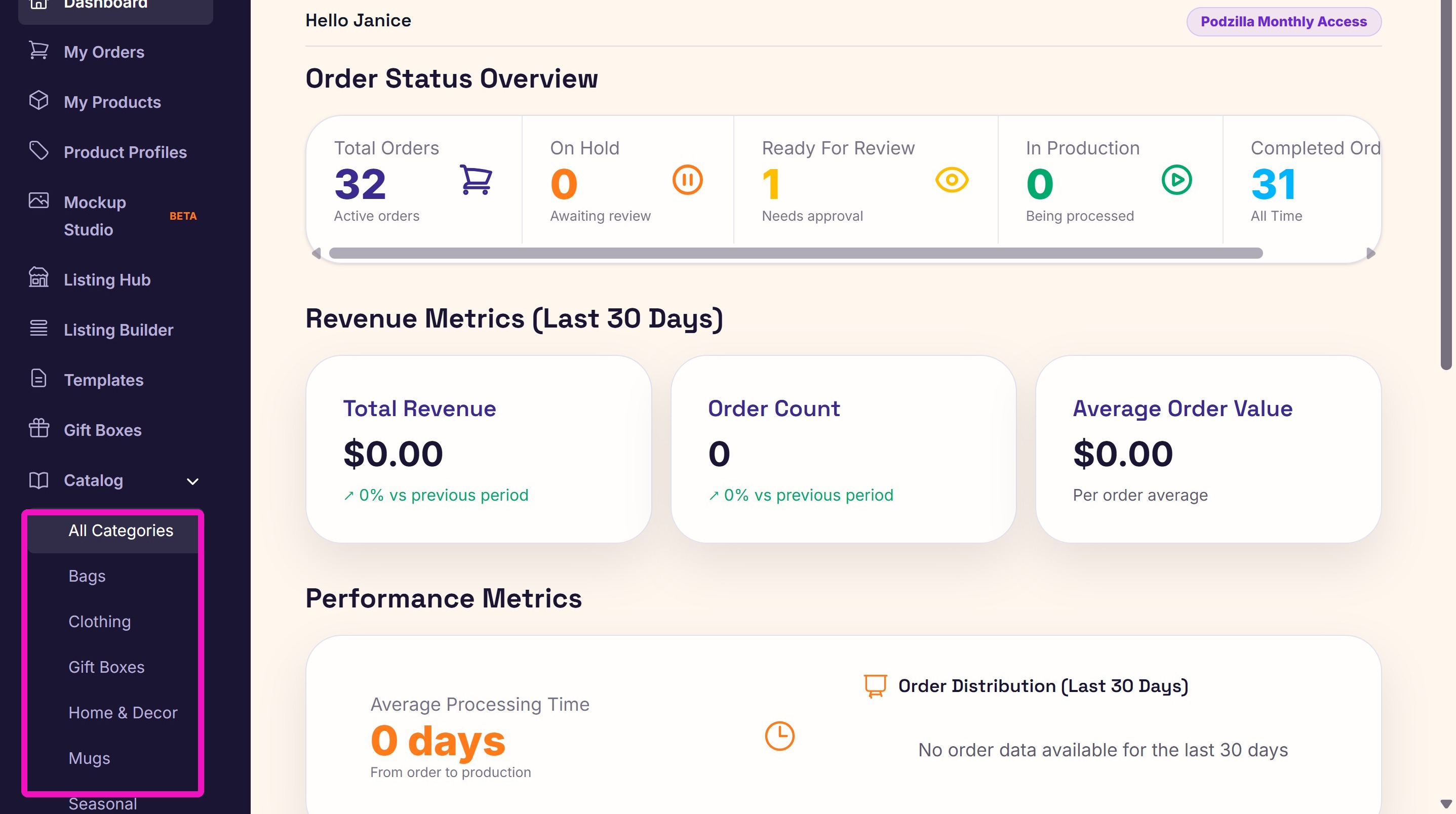
3. The product catalog is divided into categories on the sidebar menu and the top right of the catalog screen.
4.
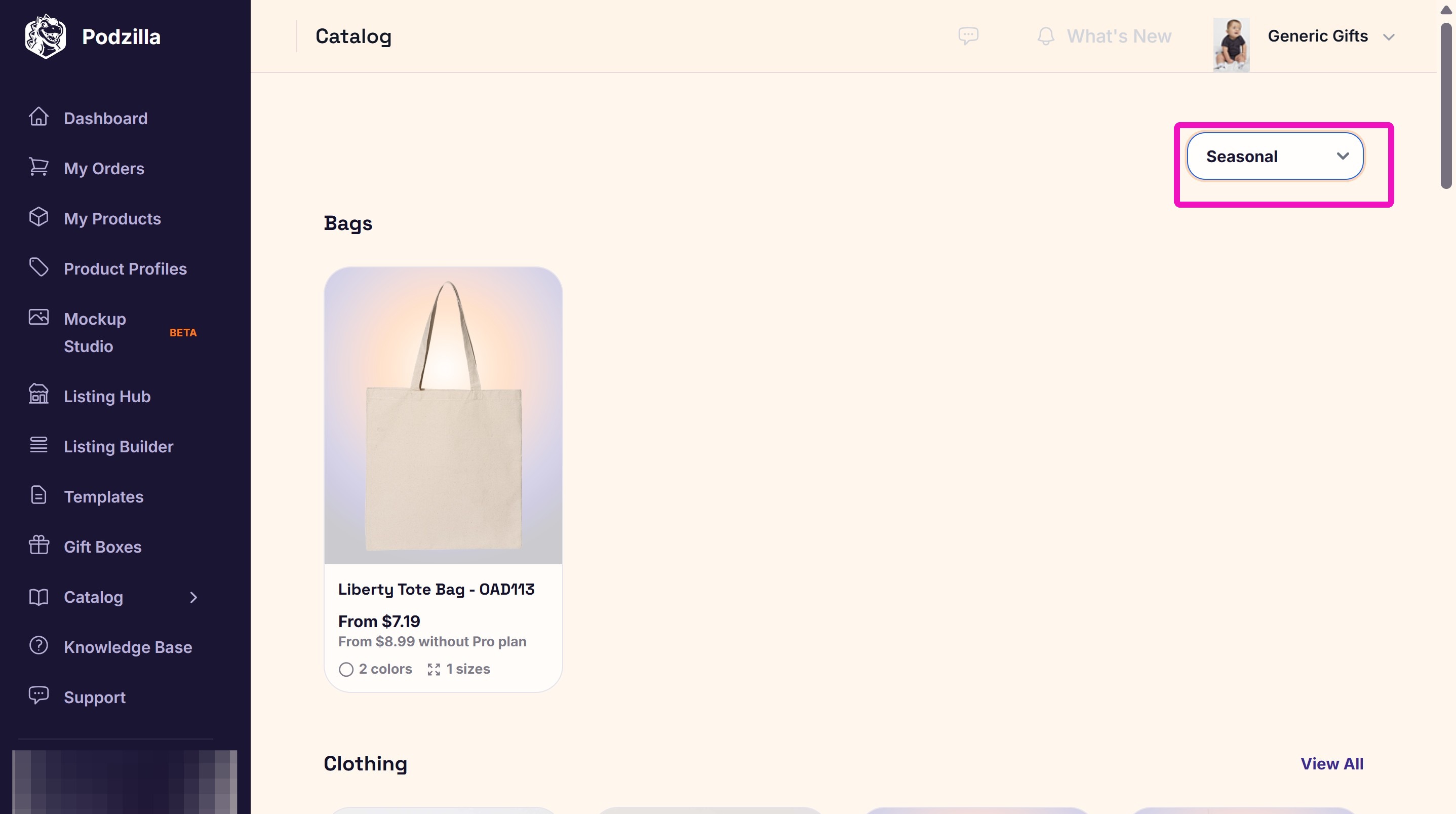
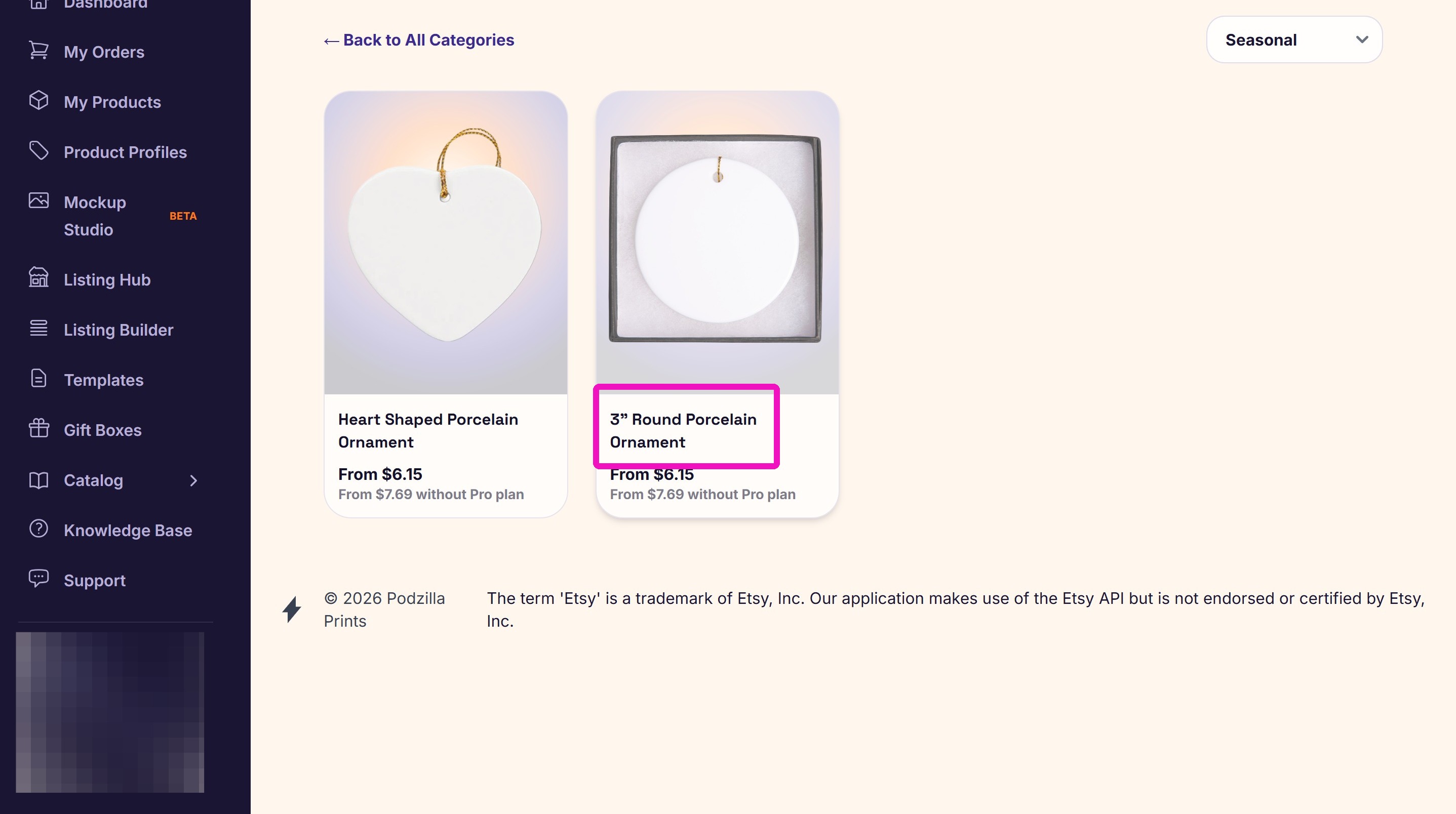
5. From the categories, click the Product Name for which you are designing.
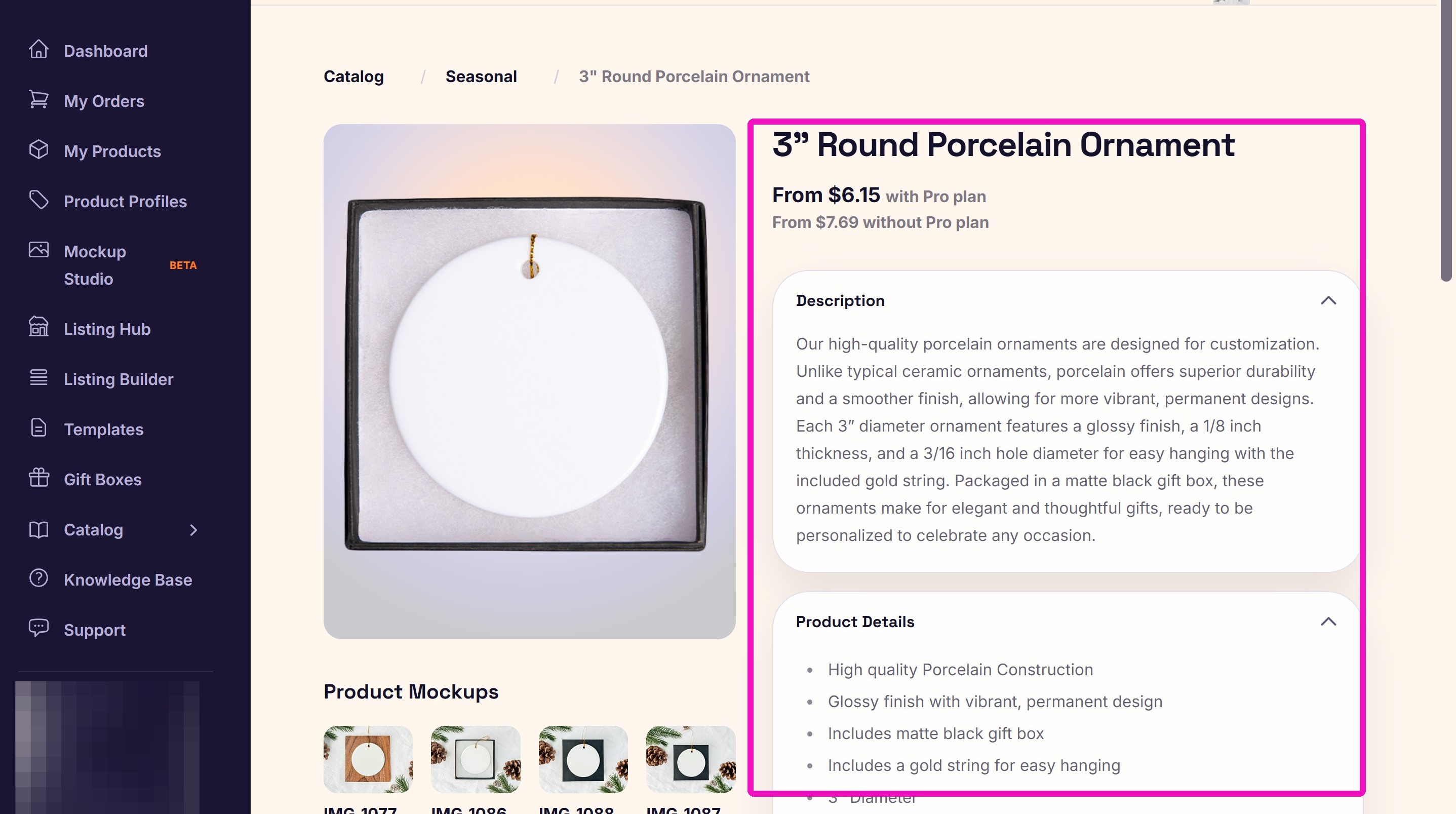
6. The product page shows the product:
- Description
- Product details
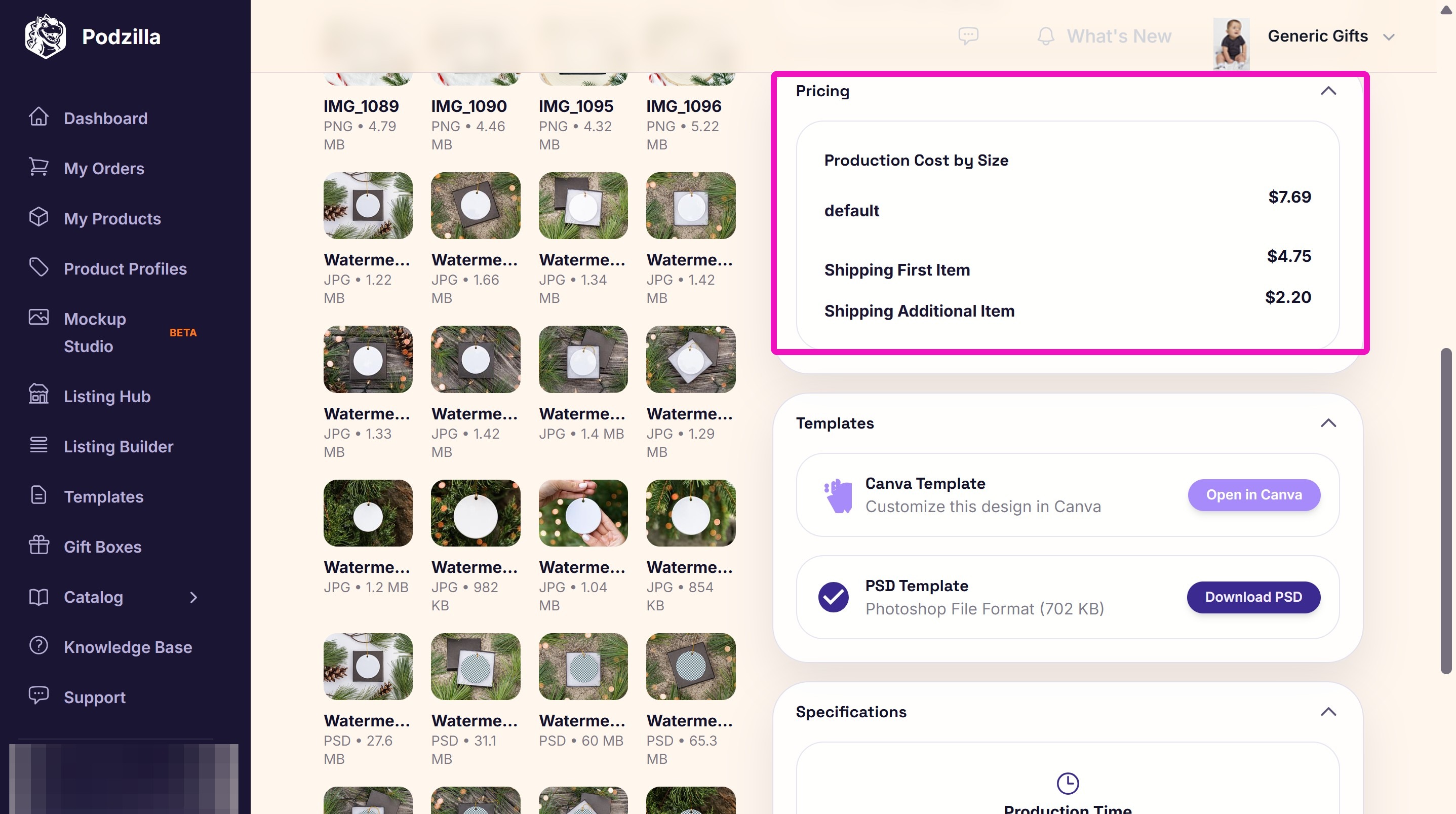
- Pricing
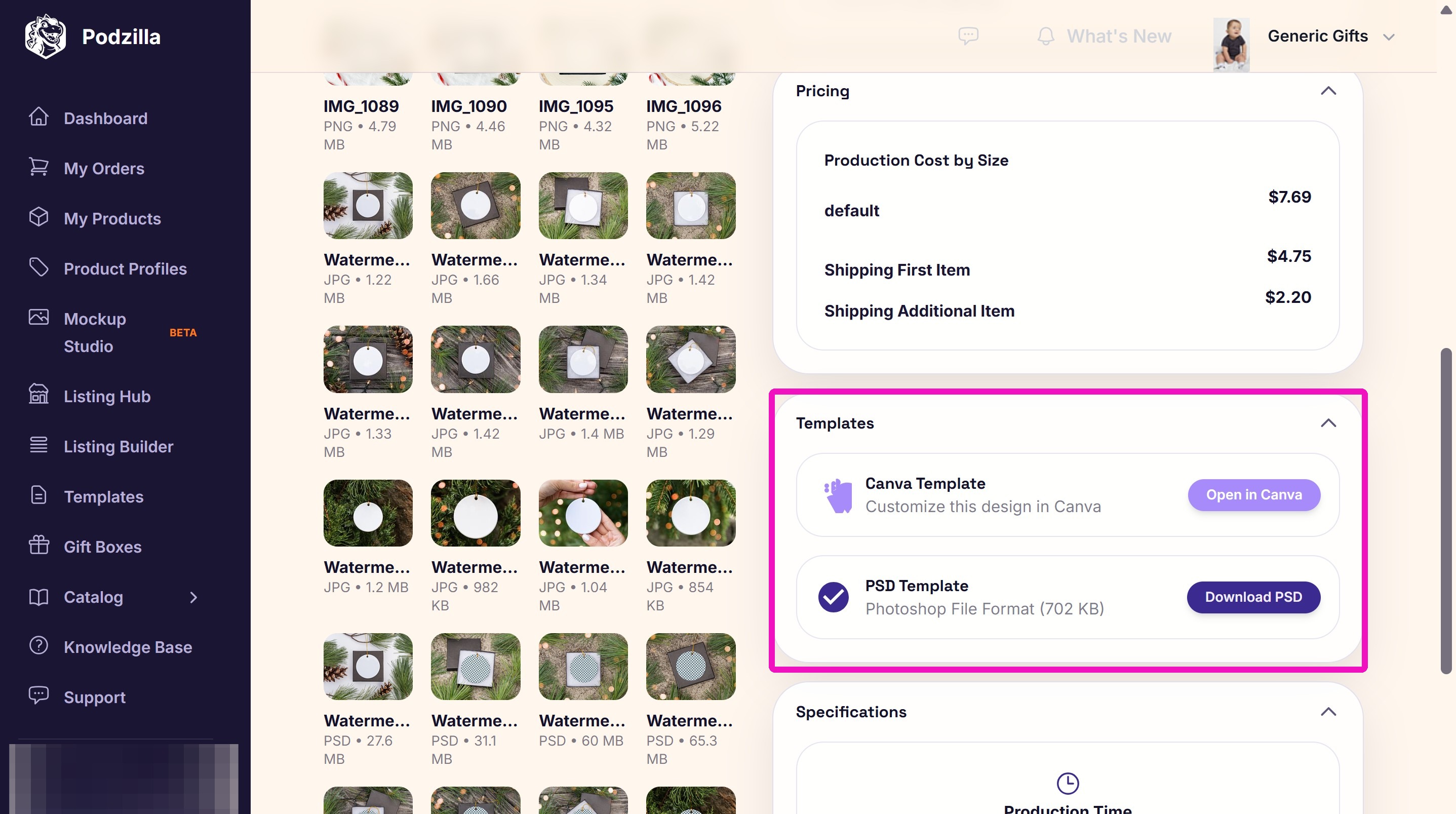
- Design template links
- Variant types & stock levels (apparel)
- Production times
- Print locations and sizes
Some products also have free mockups.
7. Pricing
8. Template links.
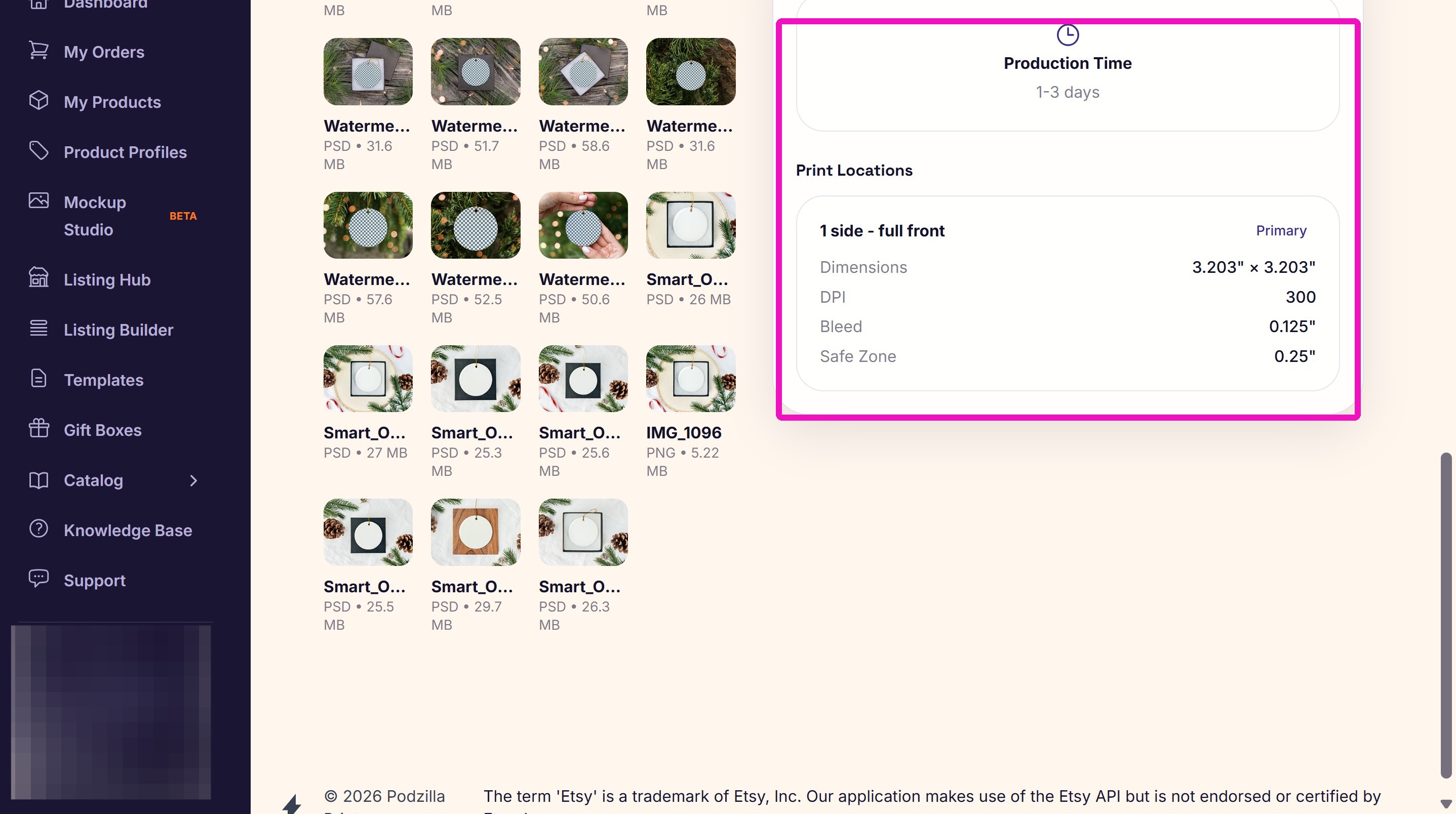
9. Production time and print locations.
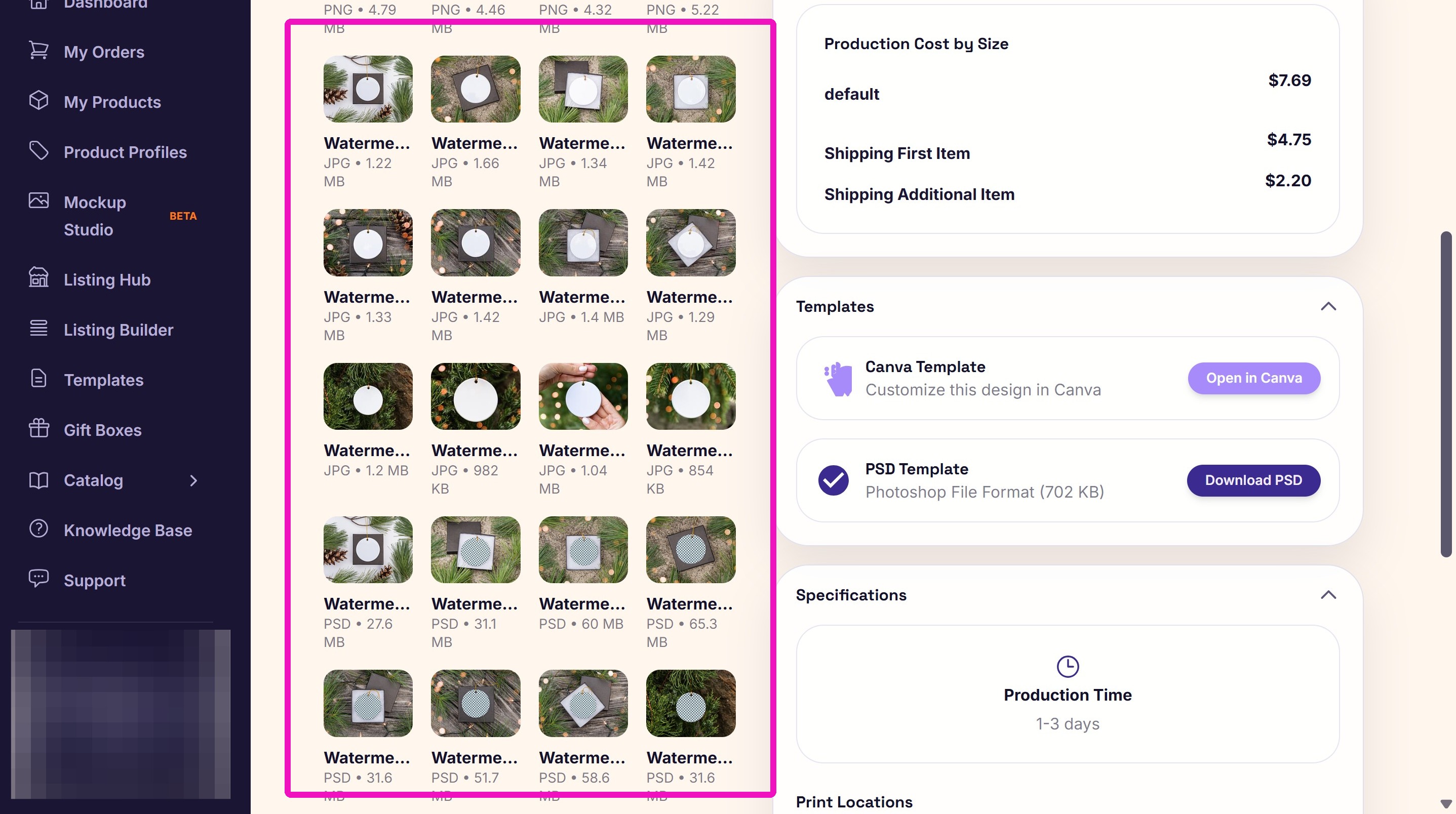
10. Free mockups.
Related
More Articles
Getting Started
Welcome to Podzilla! The Podzilla website lets you manage products and orders associated with your shop(s). Let’s get you started.
Apparel Deep Dive: Catalog, Templates, Products & Orders
This guide walks through everything you need to know about working with apparel in Podzilla — from browsing the catalog and using the print template, to setting up products, syncing SKUs, and approving orders. It's based on Valerie's comprehensive video tutorial above, which demonstrates each step on screen.
How to Use the Candle Design Template
TRANSCRIPTThis article explains how to use Podzilla’s candle design templates, including layout...
[NEW FEATURE] Mockup Studio (Beta) drops TONIGHT - July 14, 2026
We built a Mockup Generator right into PODzilla! Big one for everyone who's tired of mocking up products one at a time in Canva or fighting with Photopea to get it to work with smart objects.
How to Use the 20oz & 40oz Tumblers Design Templates
TRANSCRIPTThis article explains how to use Podzilla’s Canva and Photoshop design templates for ...