Start Here
•
Updated about 1 month ago
Creating a Support Ticket
Support tickets are for questions that are account specific. Please use the tutorials in the Skool classroom or the Help Center for information on how to use the Podzilla.
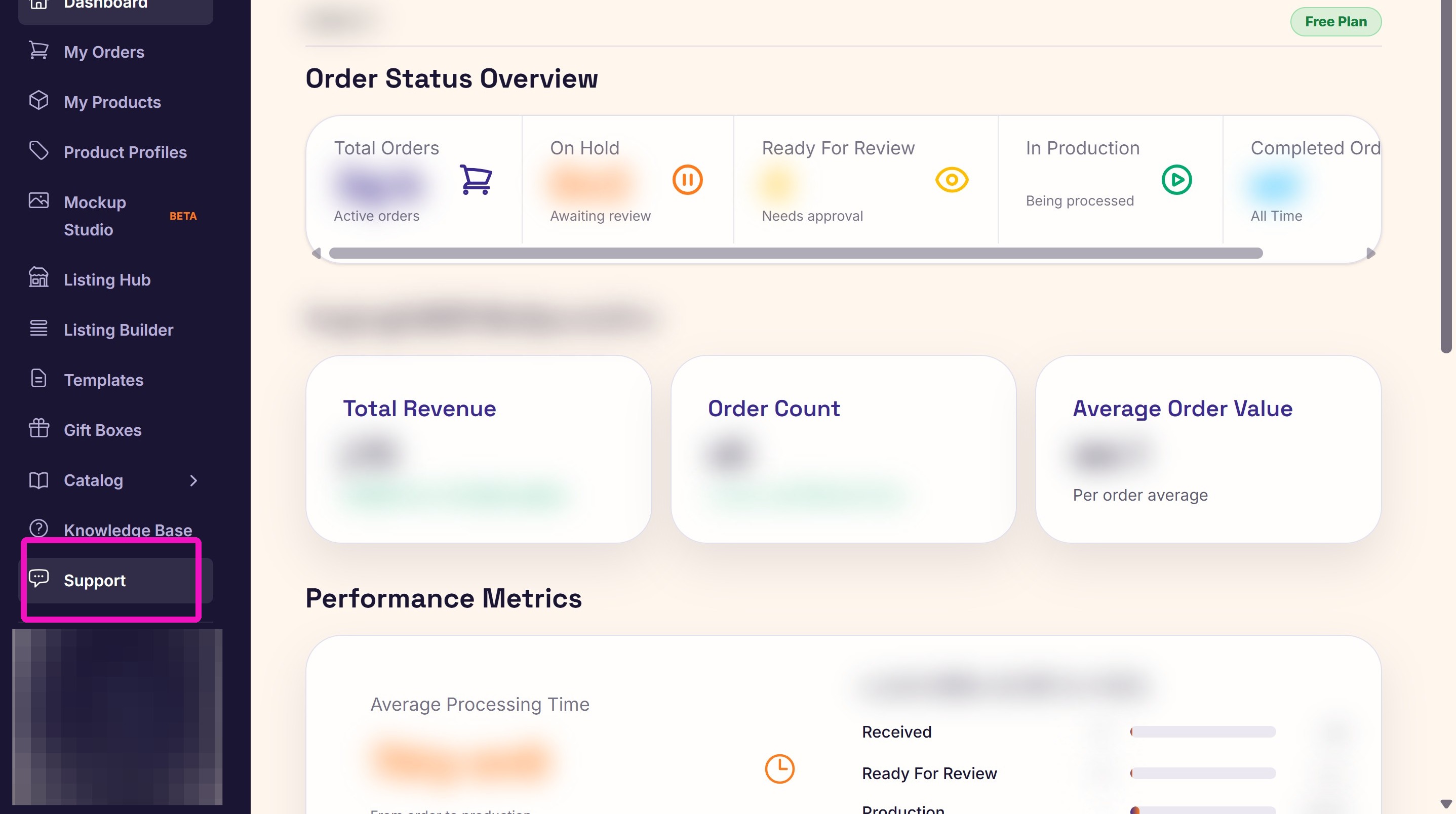
1. Click Support from the left-hand menu.
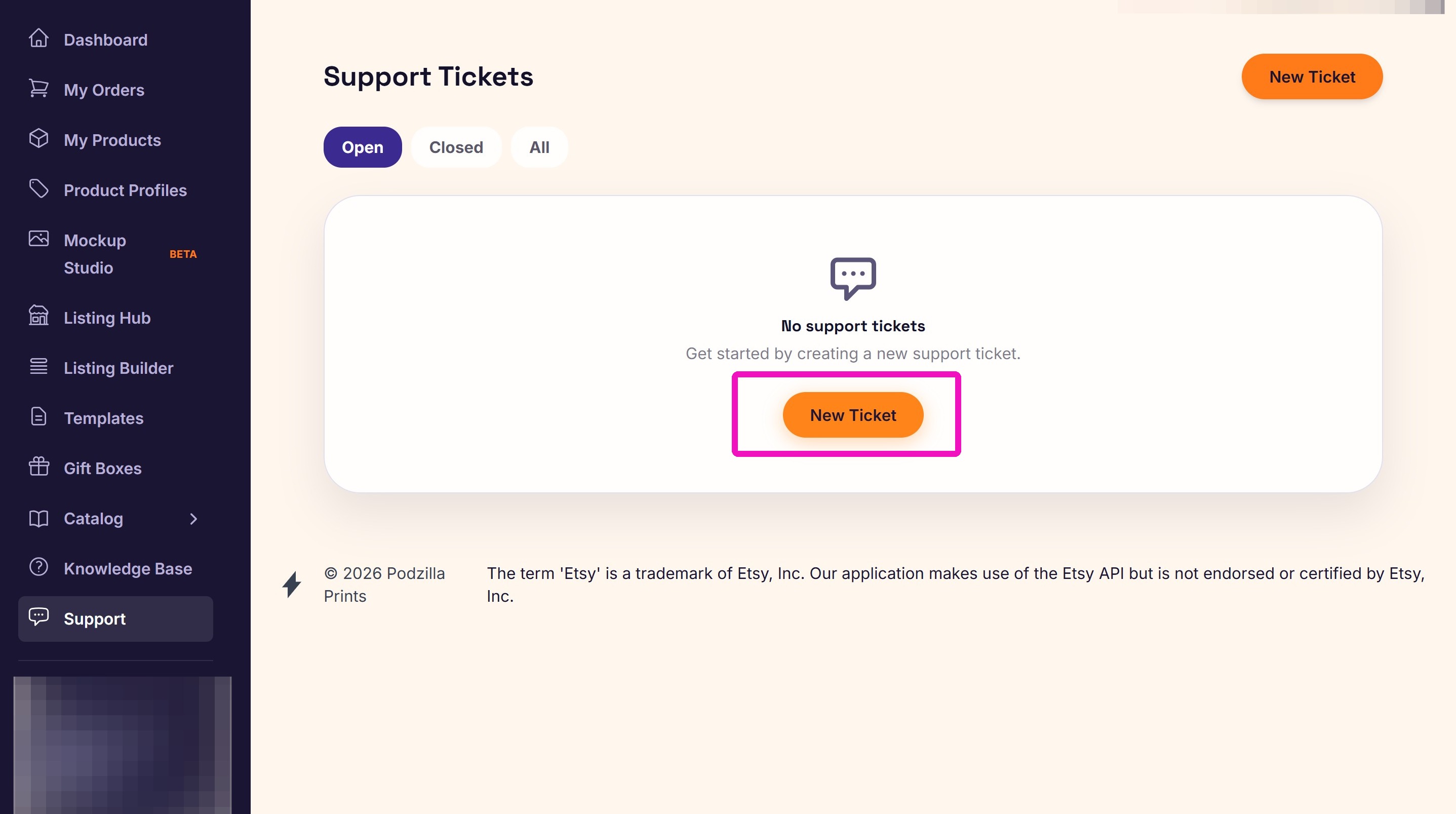
2. Click New Ticket.
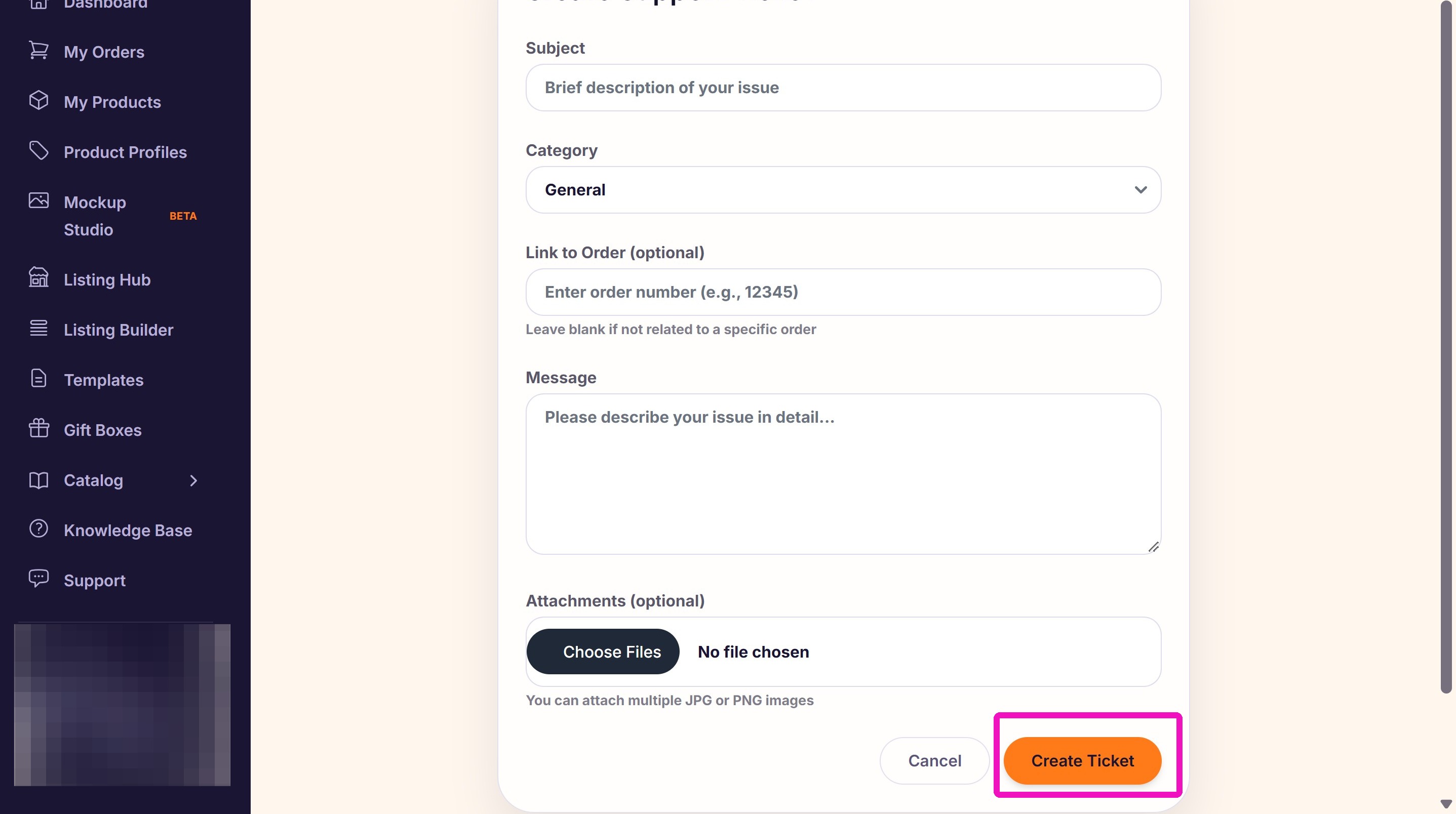
3. Enter the Subject, choose a category, give the order number, and include your detailed message. The more information you give up front, the faster we can help you.
Upload screenshots of your entire screen where possible. This helps us see a complete picture of your issue.
Click Create Ticket when you've added all the information.
Related