Manually Personalizing Products
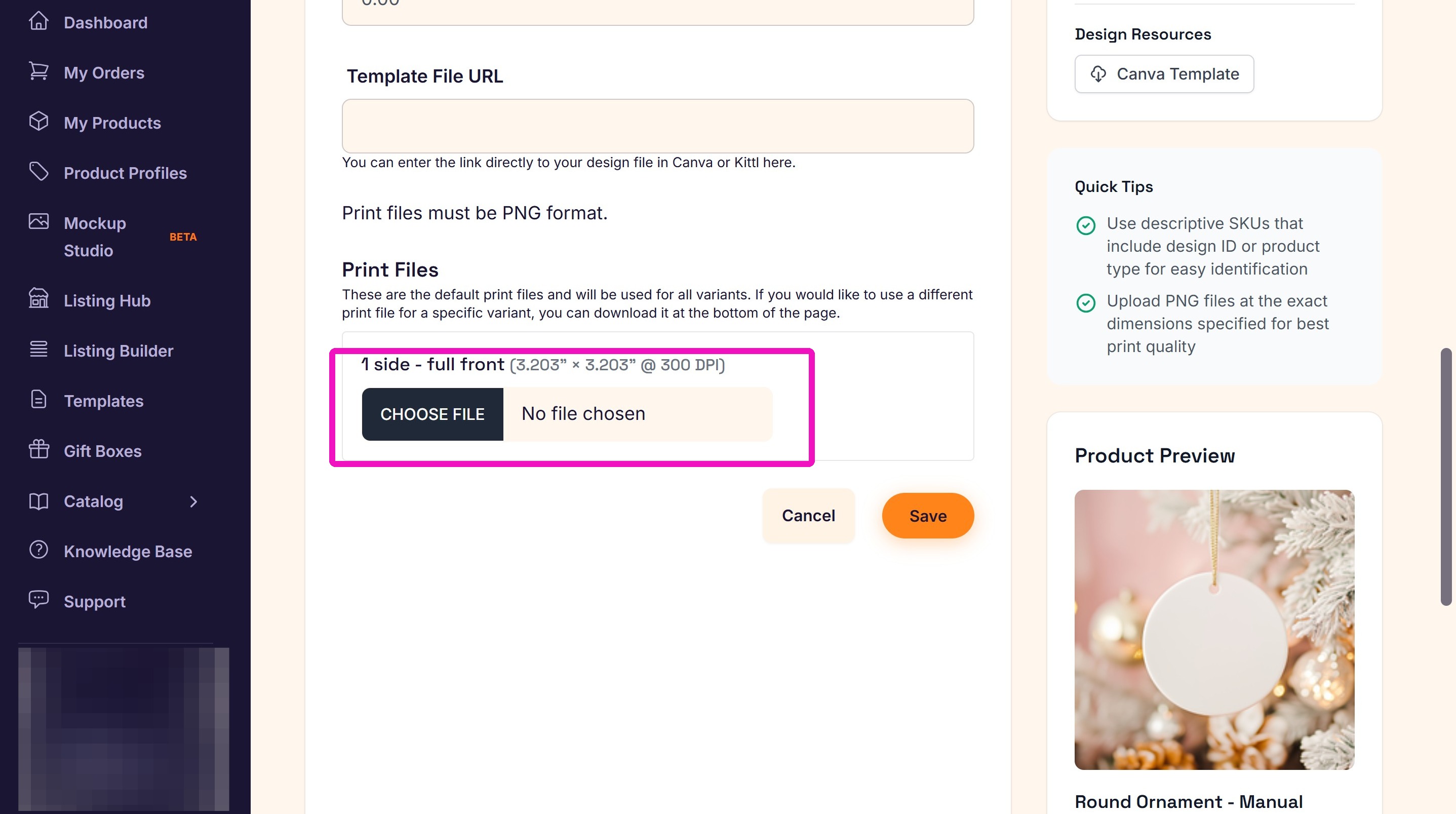
2. Change the personalization fields in your design file to the client's information. Then download the updated print file.
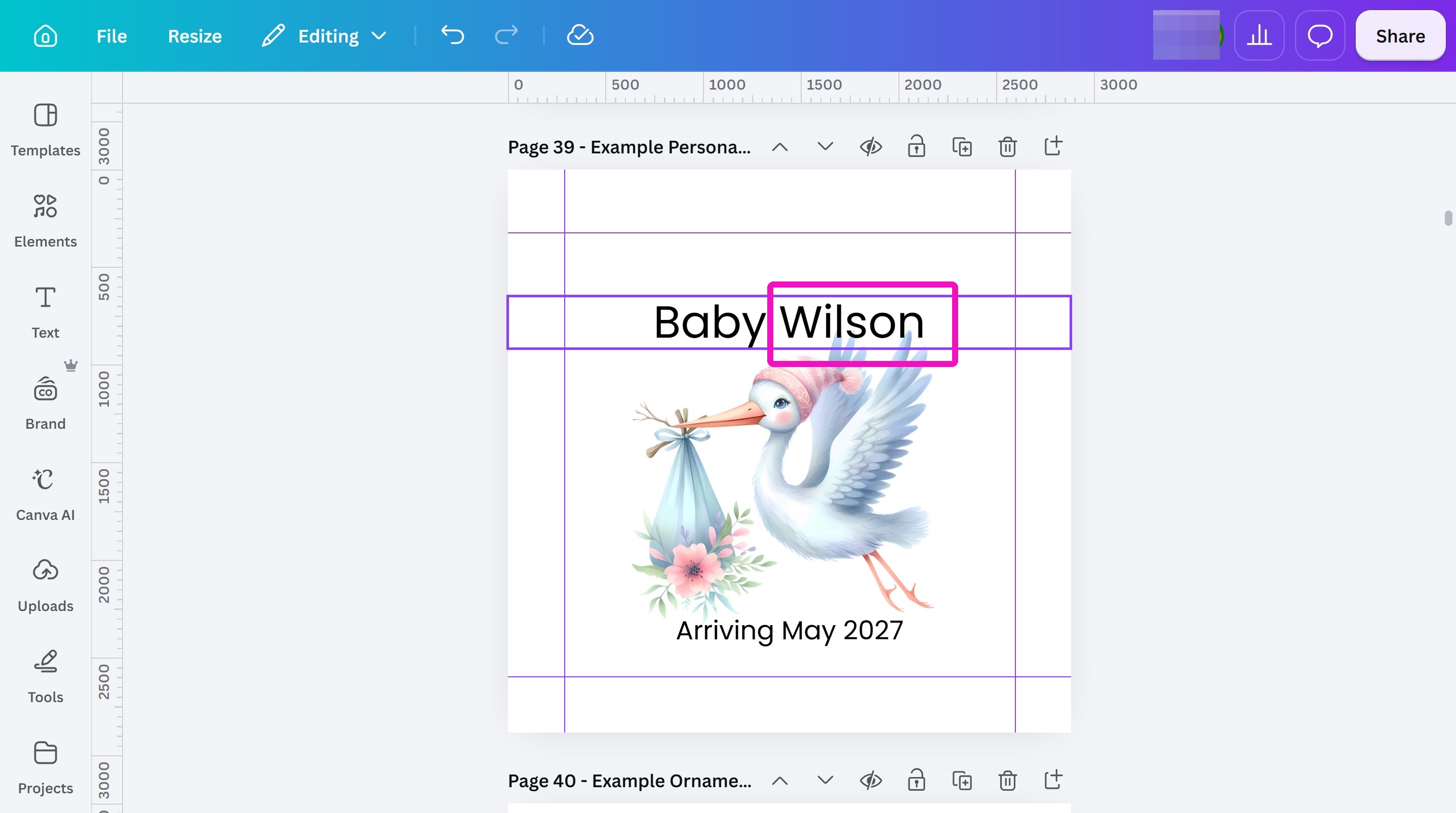
3. Go into the Order card and click the Print Files Upload icon.
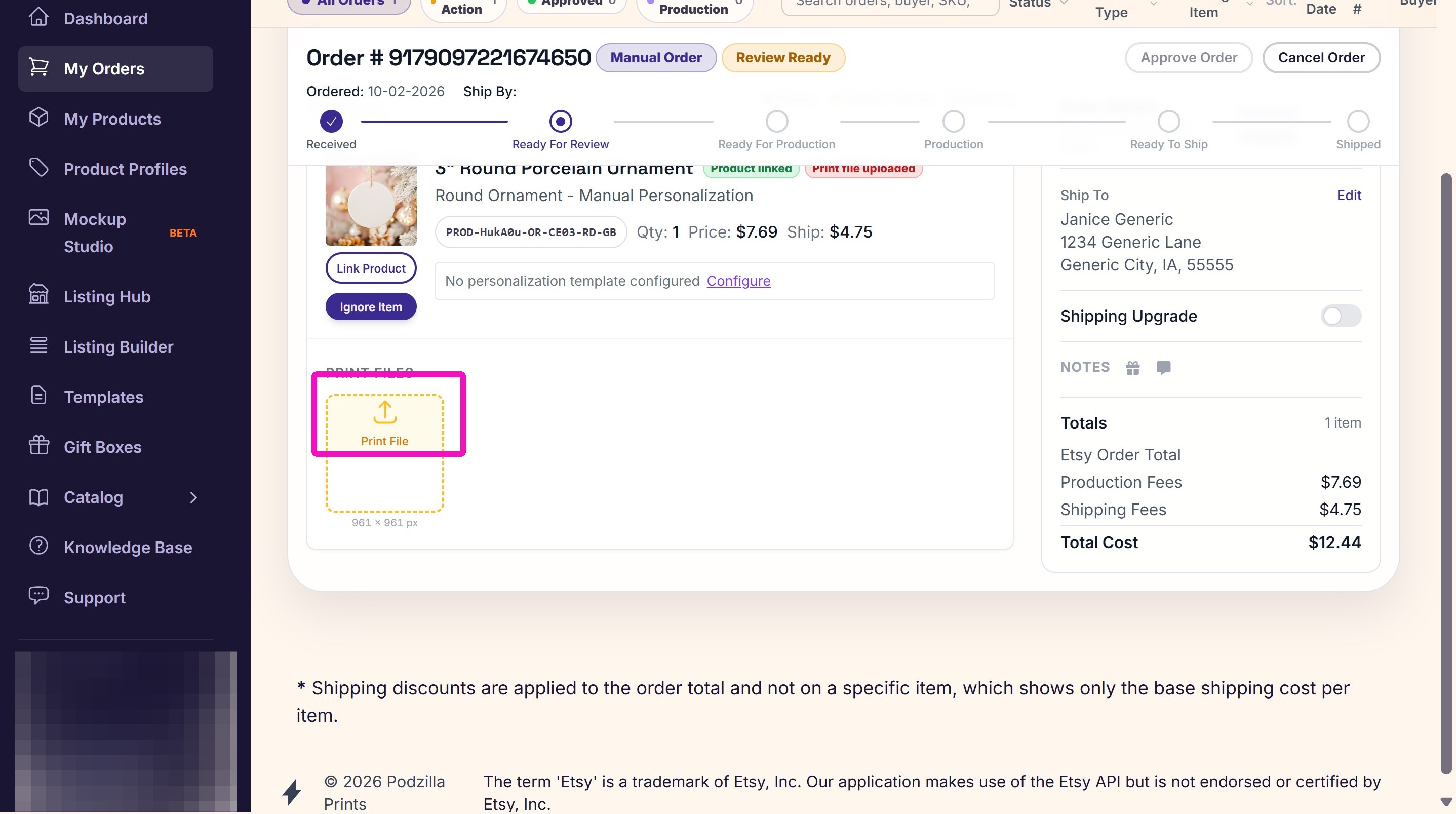
4. Upload the file you just changed.
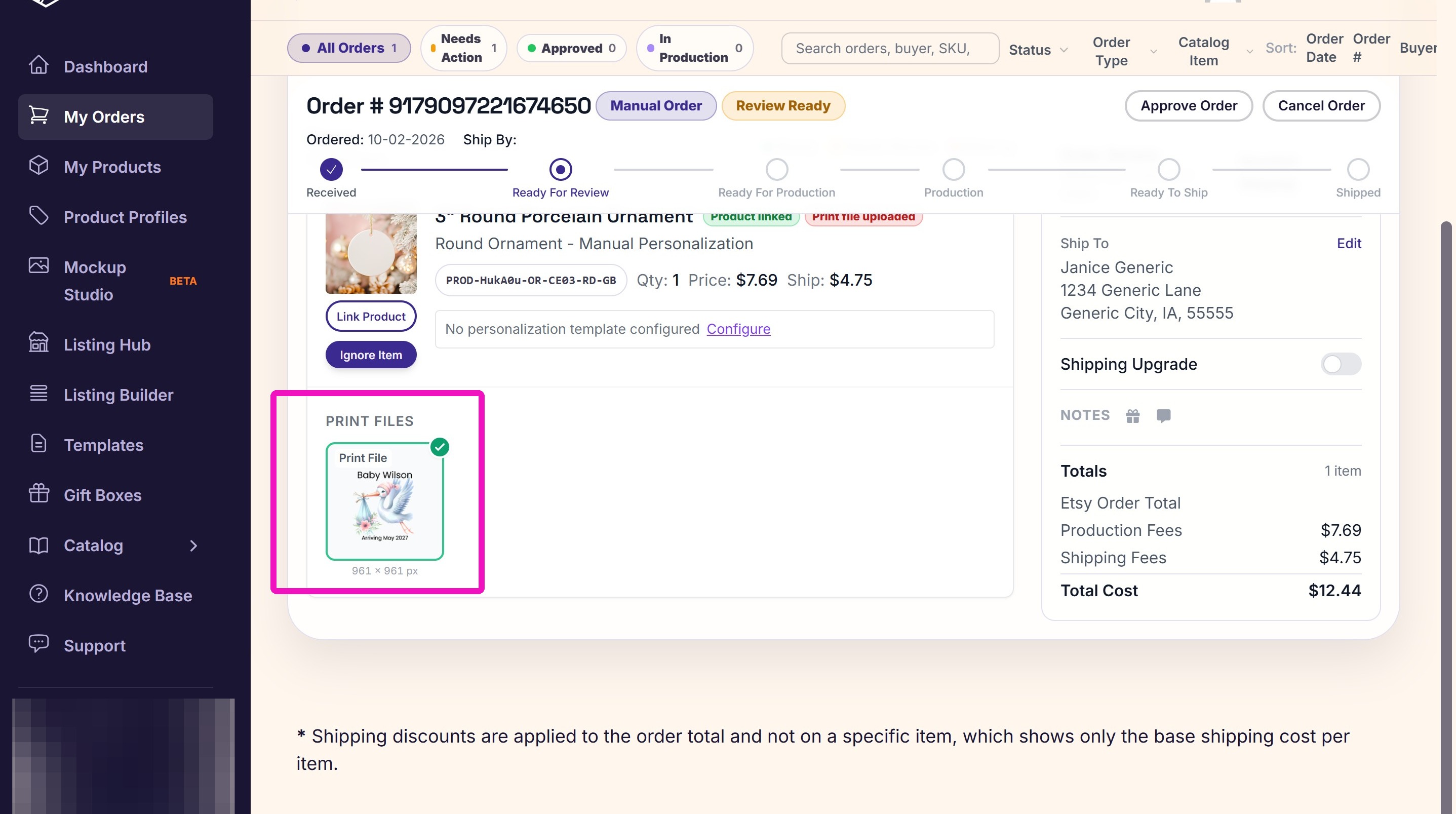
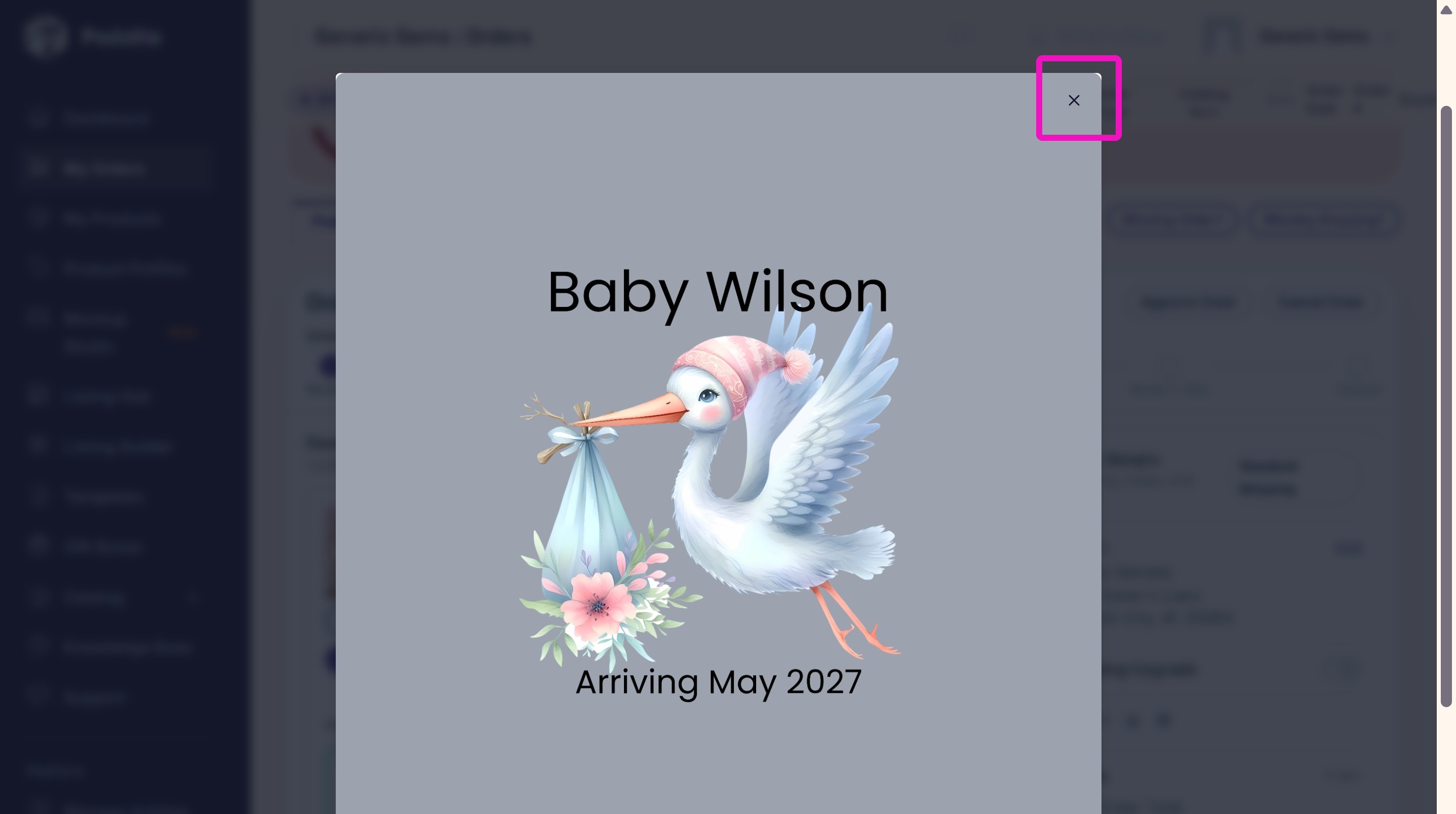
5. Click the Eyeball icon to expand the file and make sure the personalization looks correct.
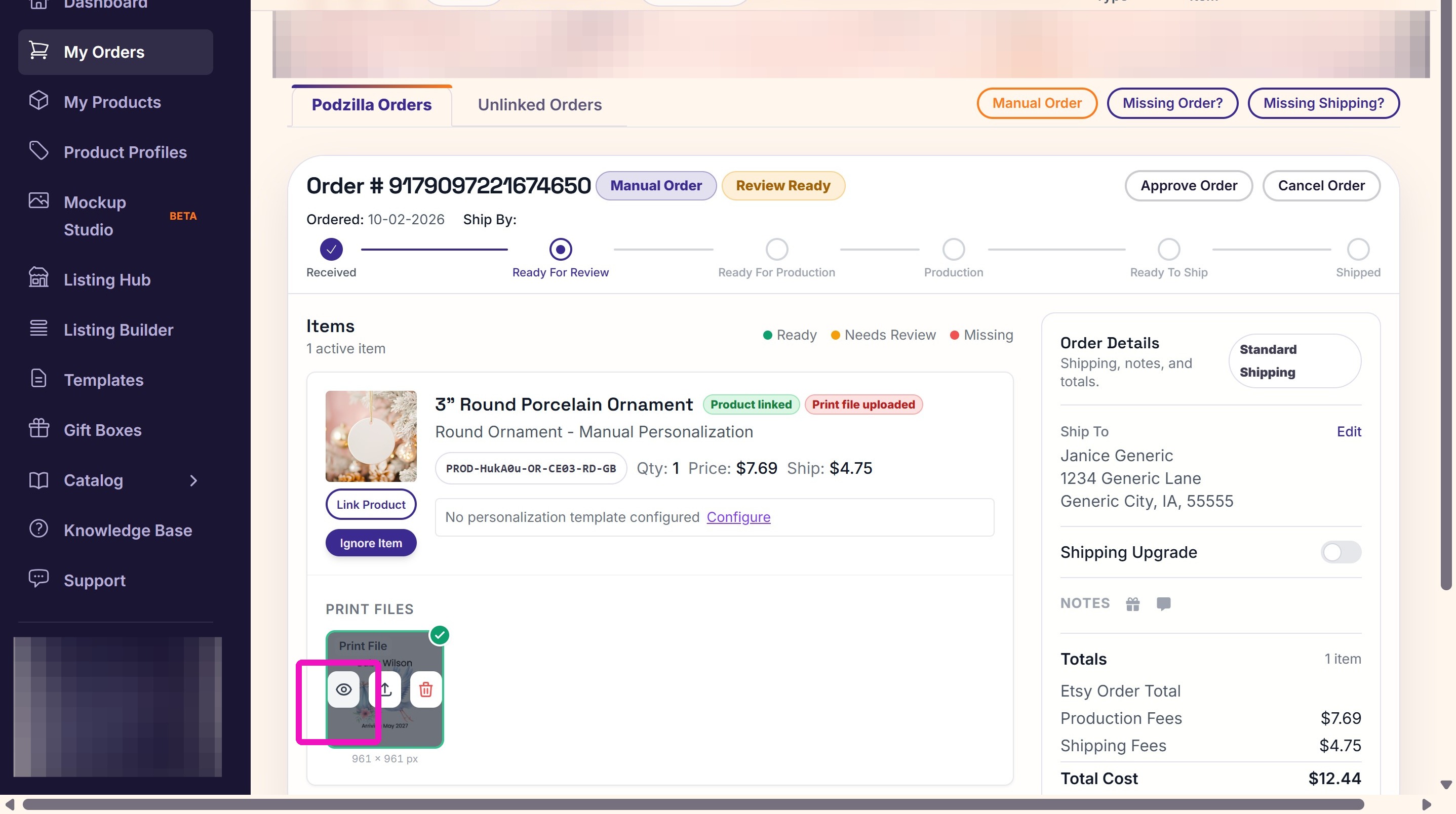
6. If everything looks correct, close the Print File window.
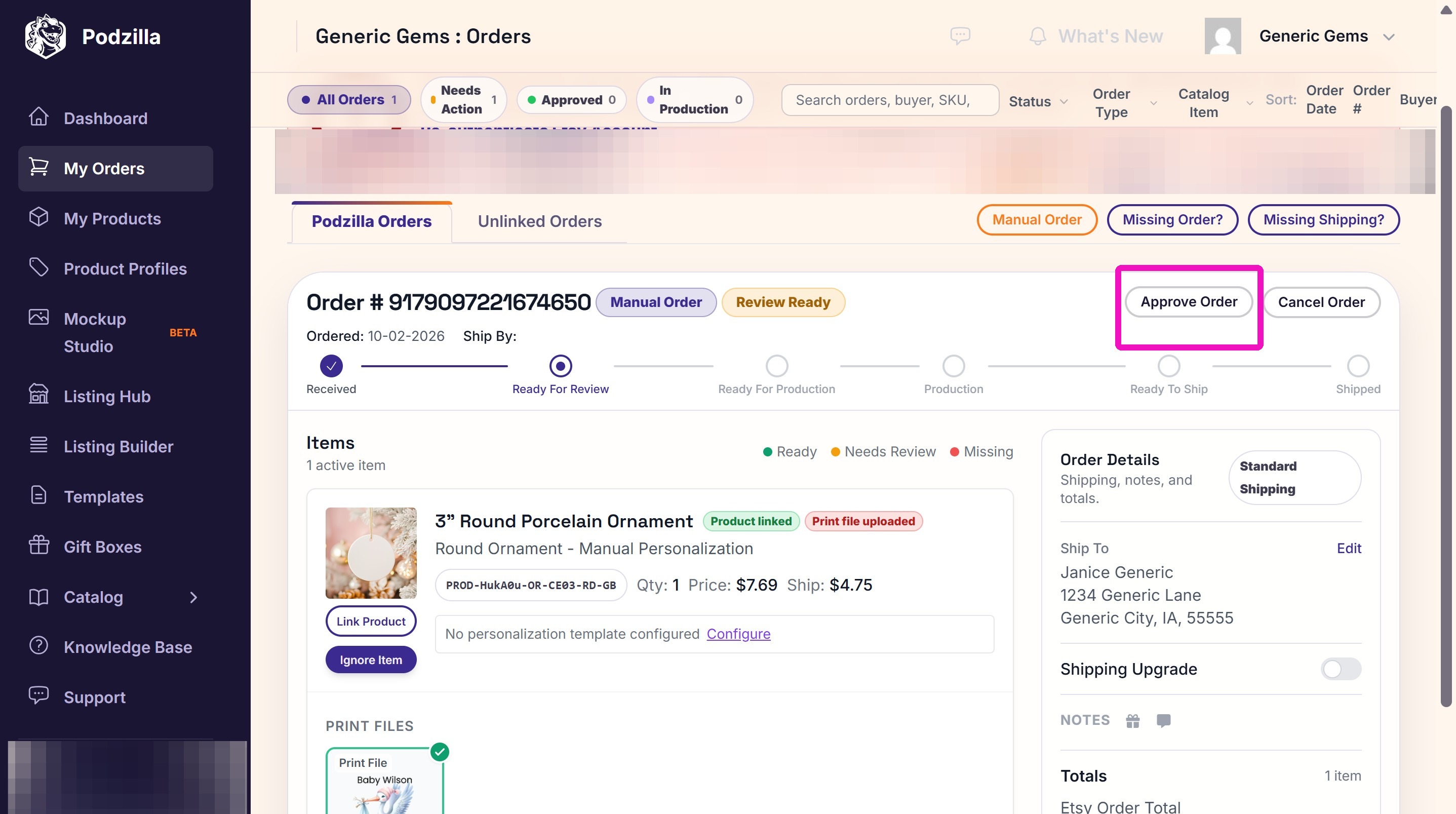
7. Approve the order to send it into production.
Related
More Articles
Getting Started
Welcome to Podzilla! The Podzilla website lets you manage products and orders associated with your shop(s). Let’s get you started.
Saving Sales with Canva Photo Cards
This customer service option has saved many of my sales! It only takes a few minutes, and is well worth it. I've included the instructional video and my script. Be sure you modify it for your brand and voice.
Shipping Profile Info
We use USPS Ground Advantage for all standard shipping. If your customers need their orders faster, Express upgrades are available. These use USPS Priority Mail, and pricing is as follows:
How to Use the Ornament Design Templates
TRANSCRIPTThis article explains how to use Podzilla’s ornament design templates, including safe...
Creating Products
This SOP outlines the steps to create both regular and variant products in the catalog system, focusing on the new product creation form and SKU generation.