Filing a Missing Mail Search With USPS
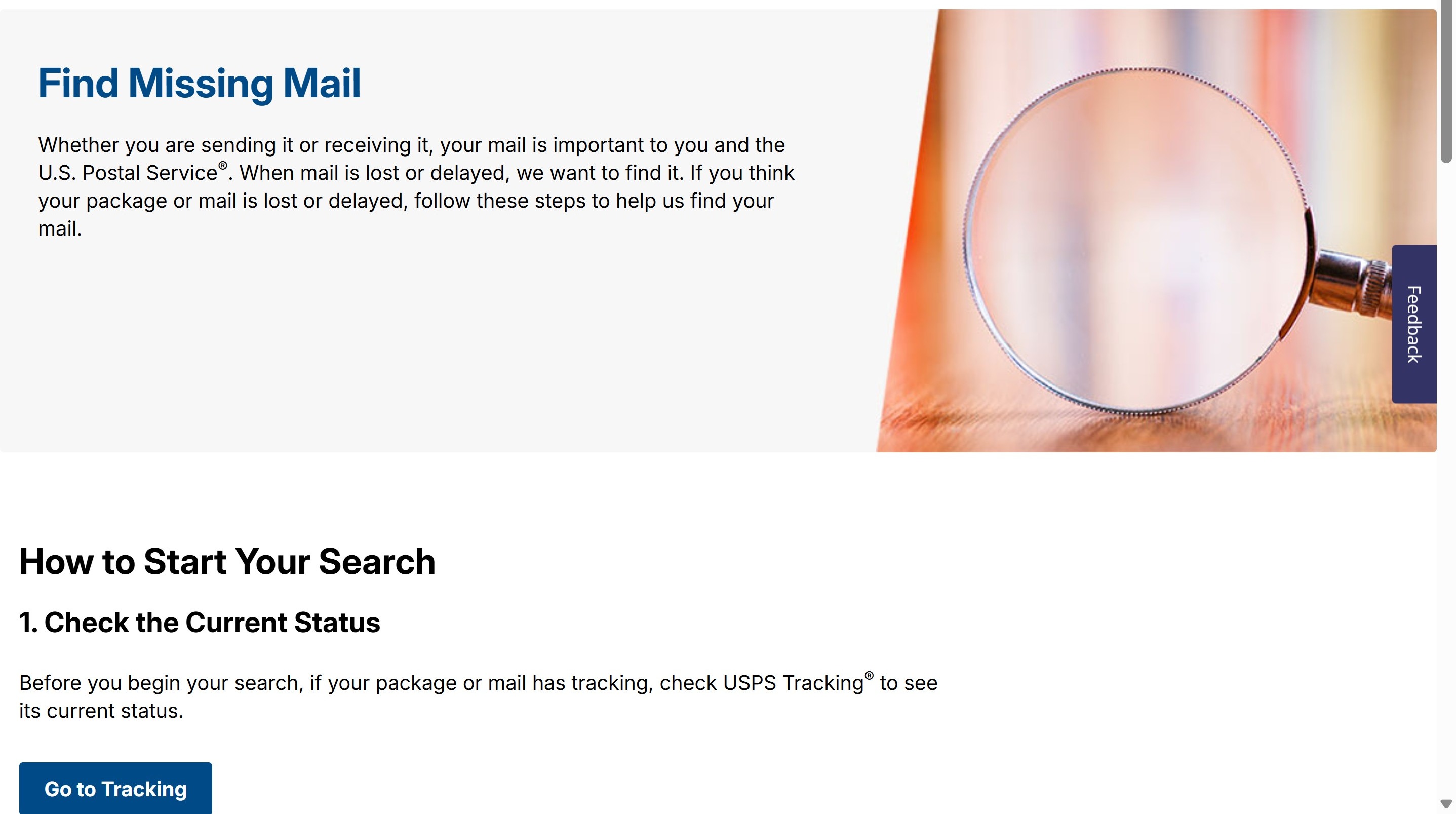
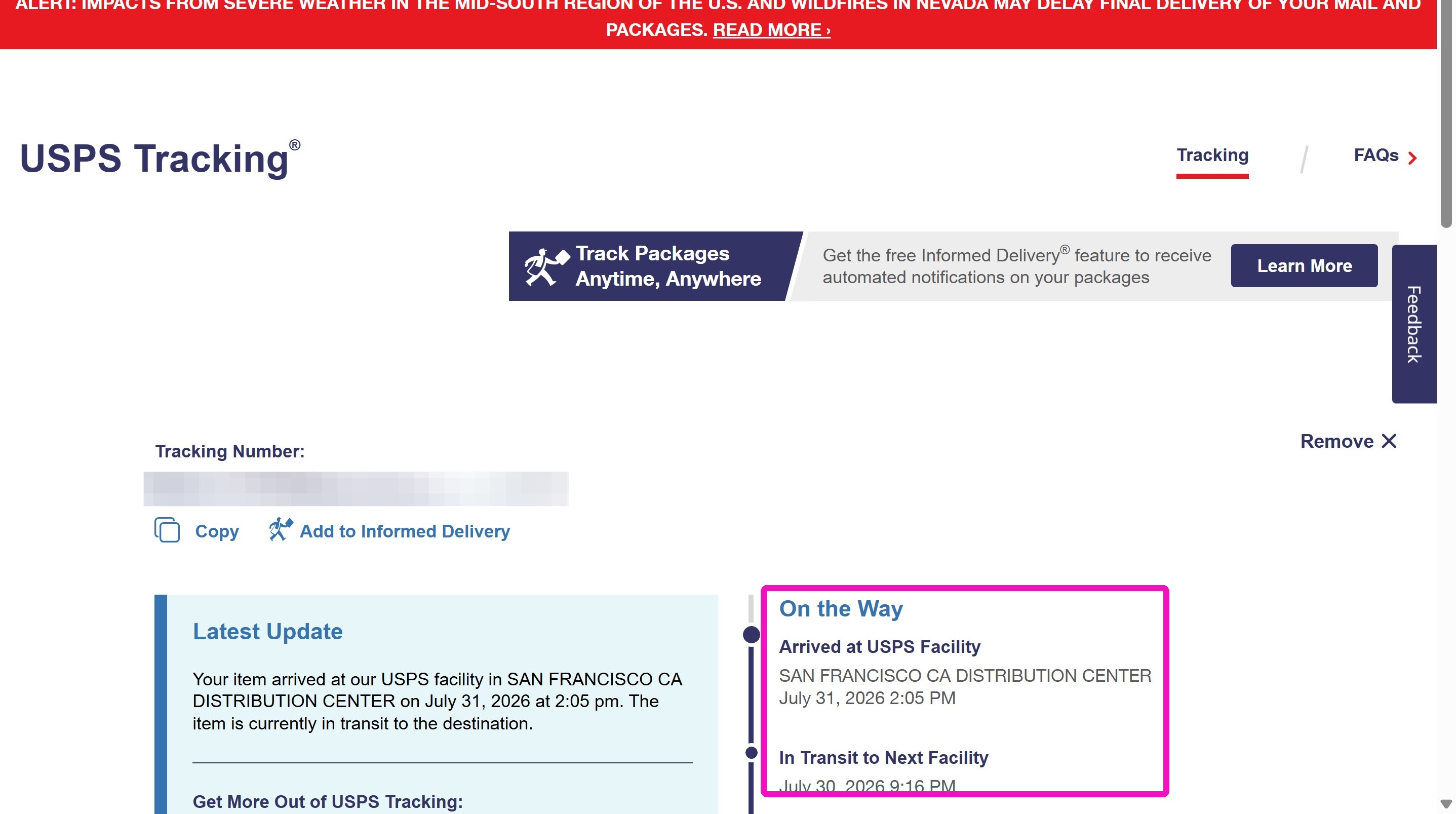
Tracking Check
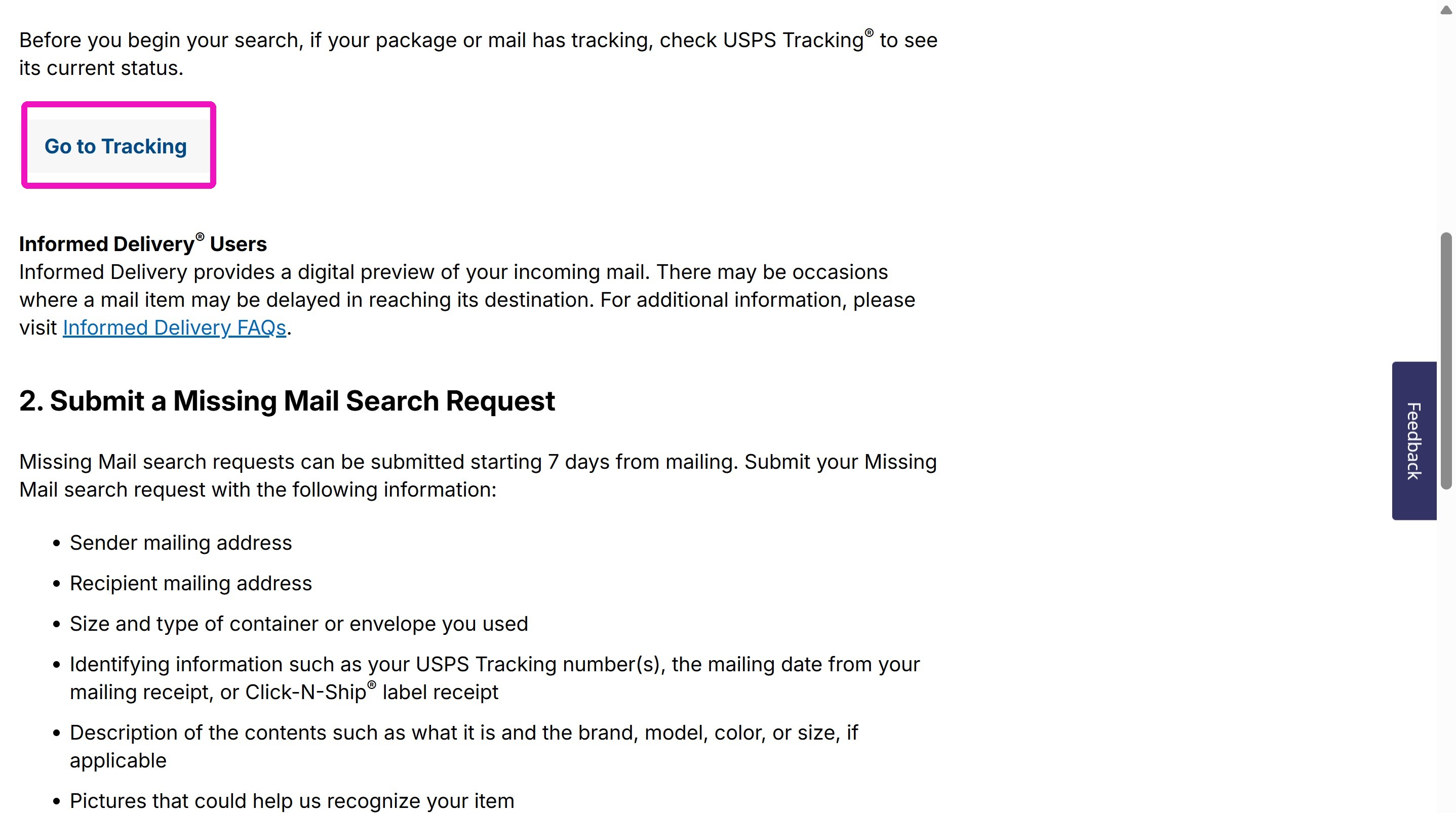
Missing Mail Request
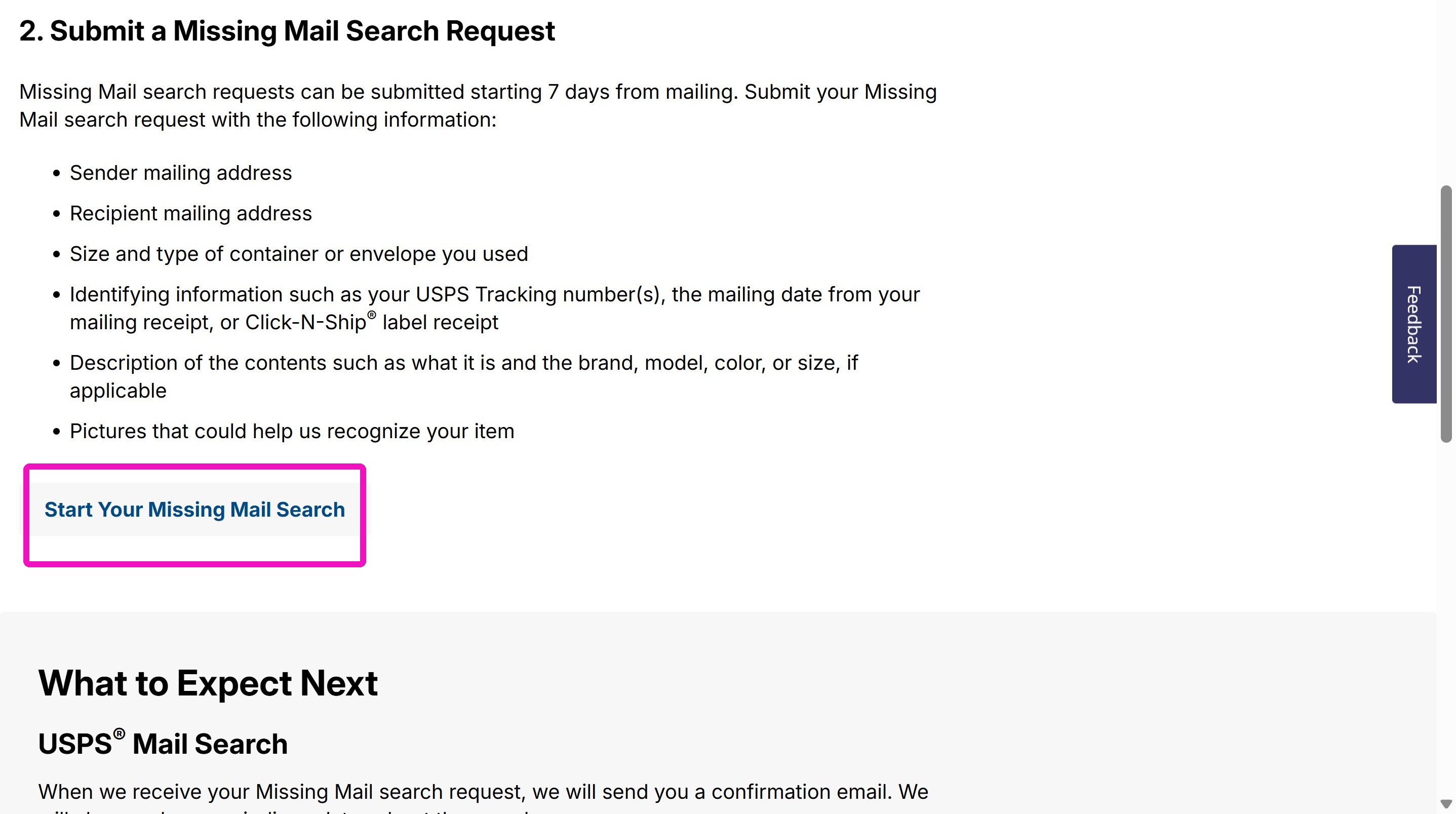
5. Enter the Tracking Number and hit Enter.
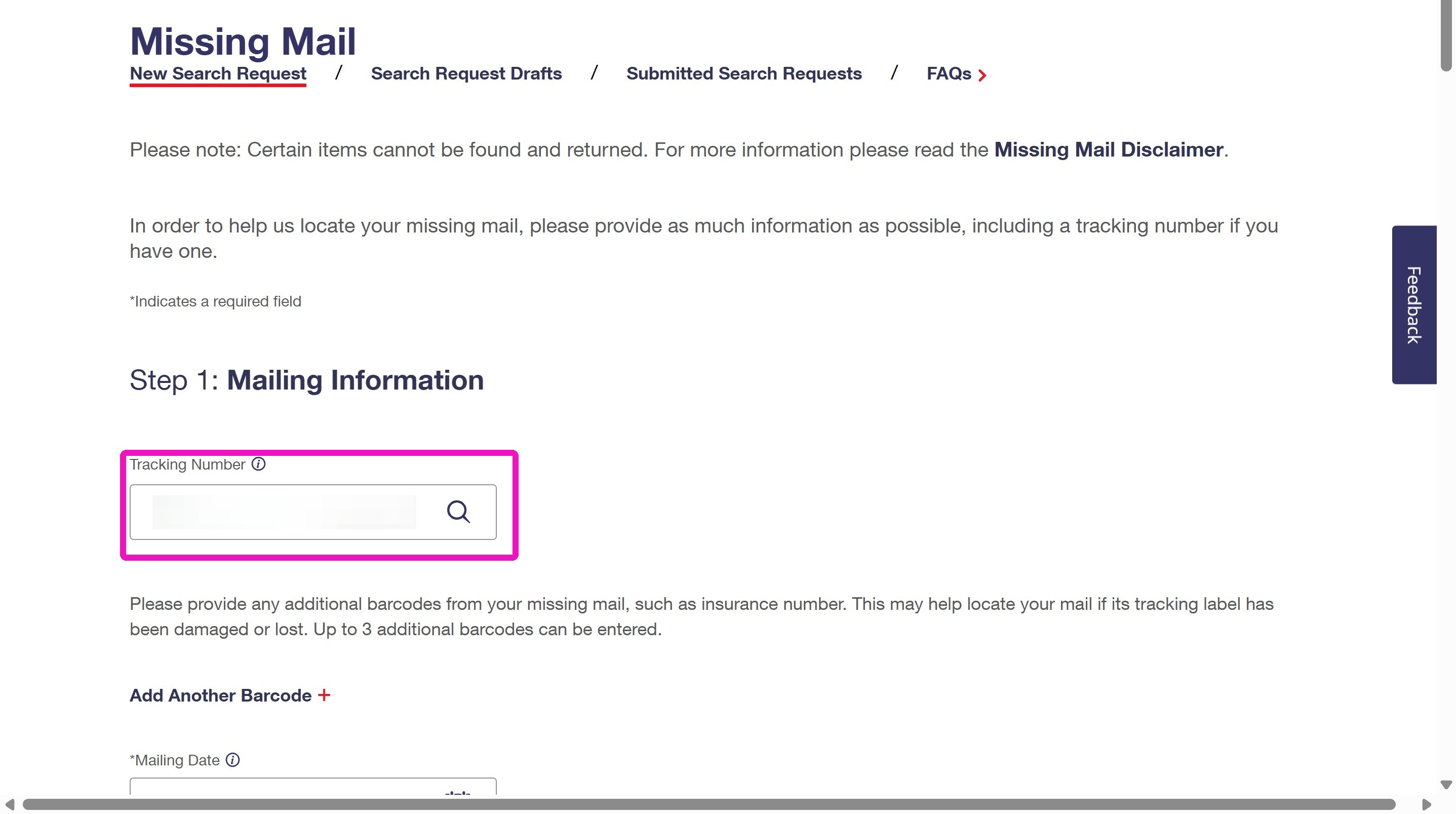
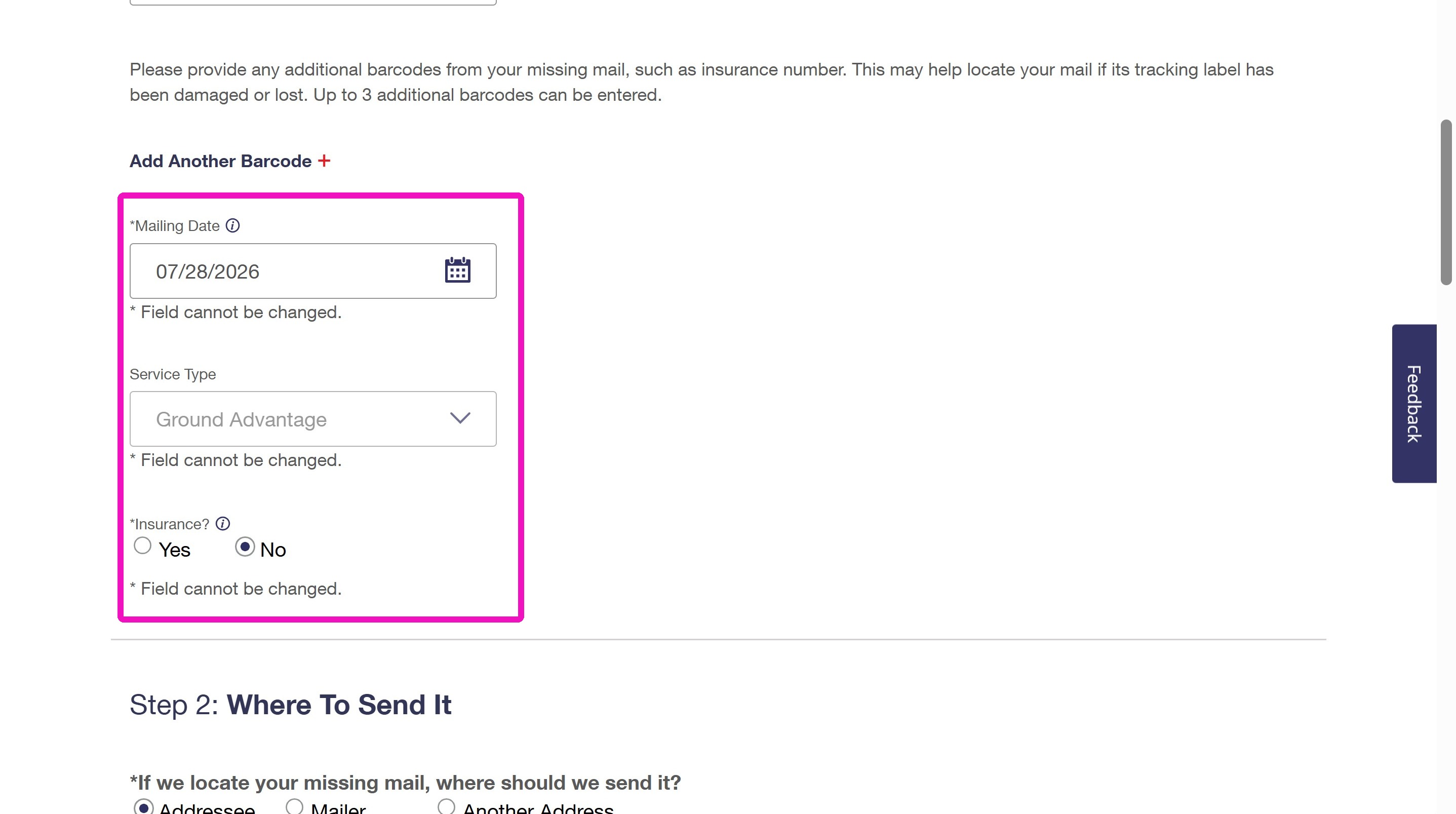
6. The form will use the tracking number to pre-populate the rest of the fields in Step 1 for you. Verify the information is correct.
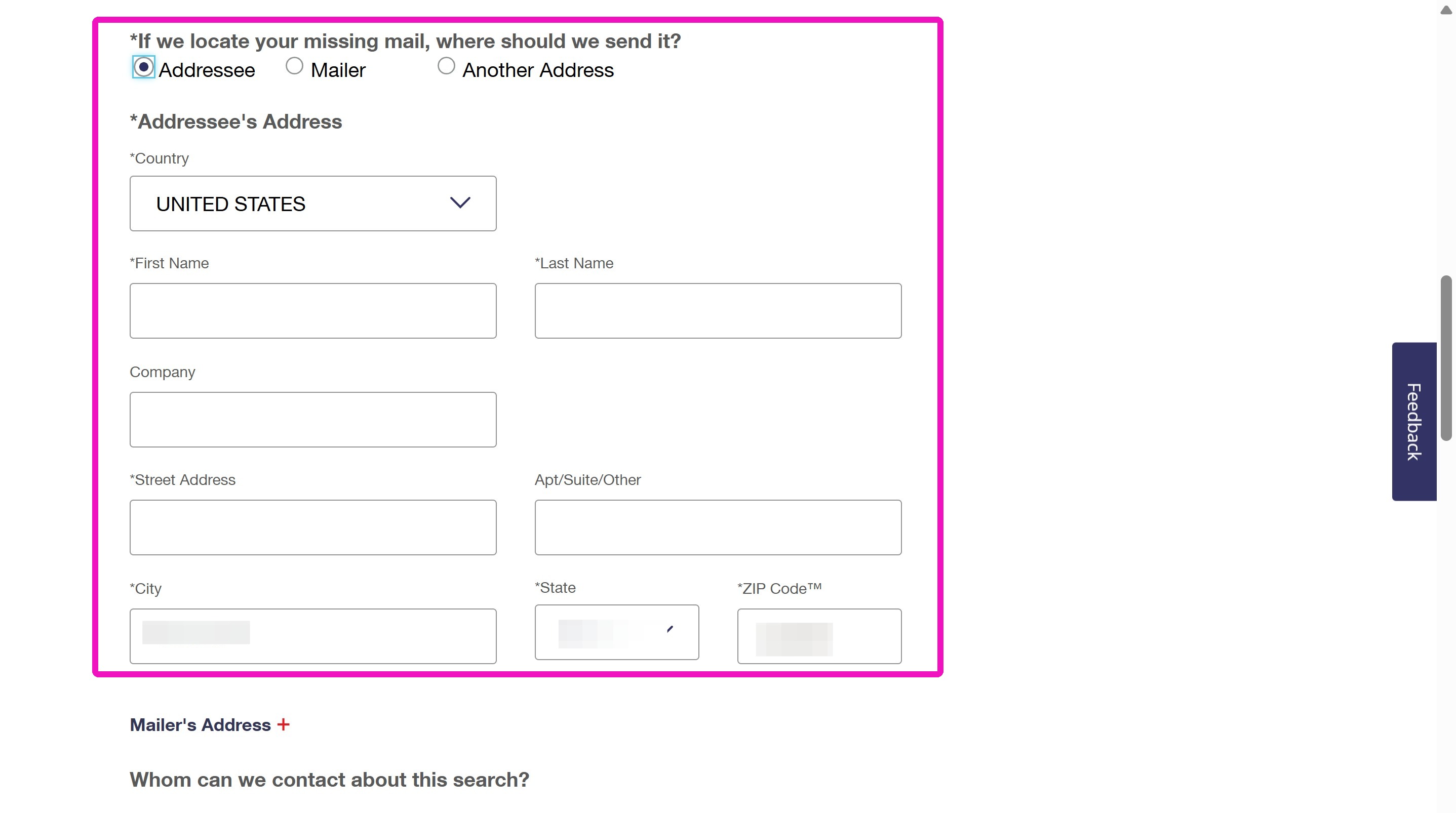
7. Enter the customer's information in Step 2.
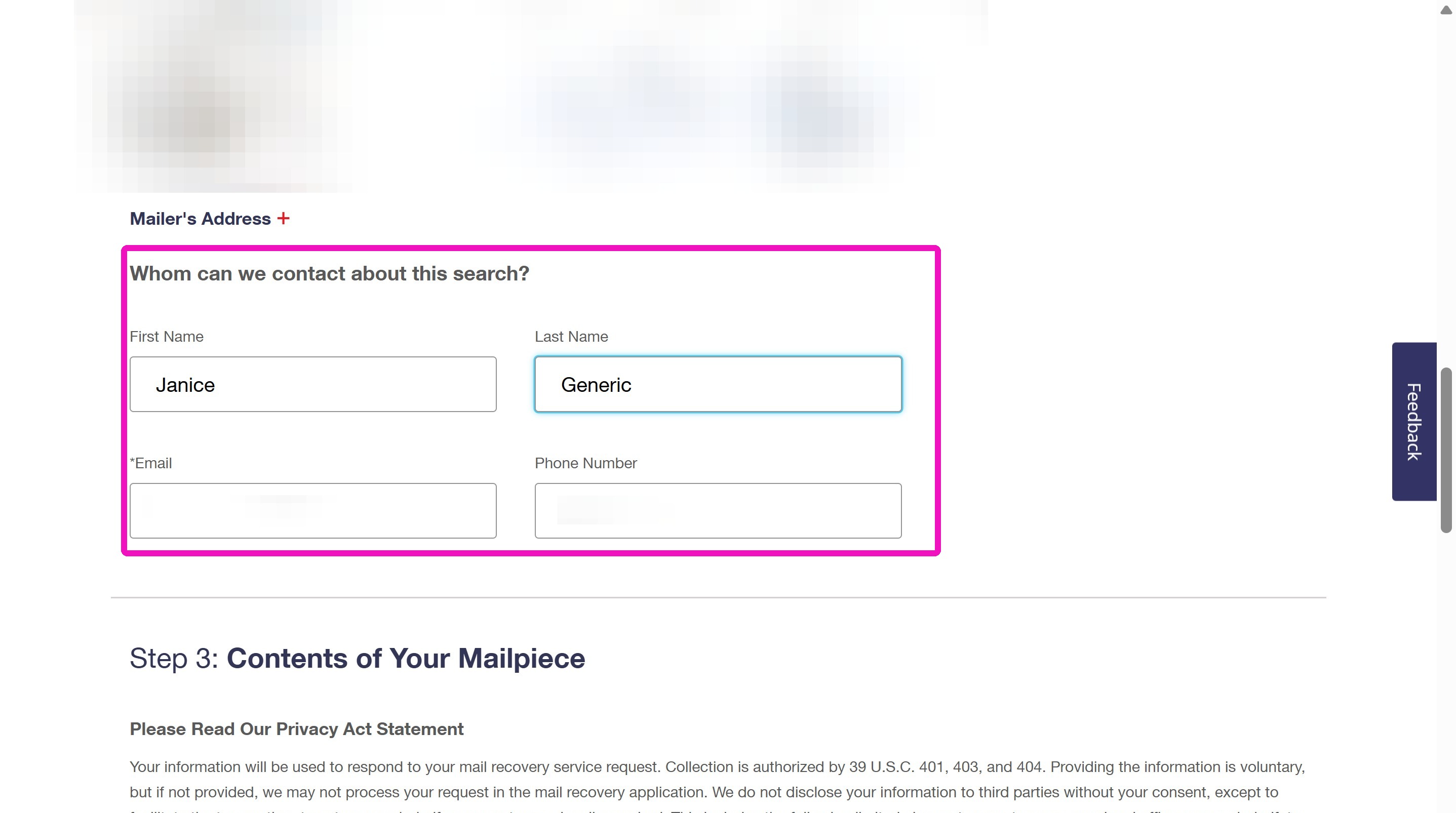
8. Enter your customer's information in the Whom can we contact section. Leave the phone number blank or enter your own phone number if you want to be contacted.
Mailpiece Details
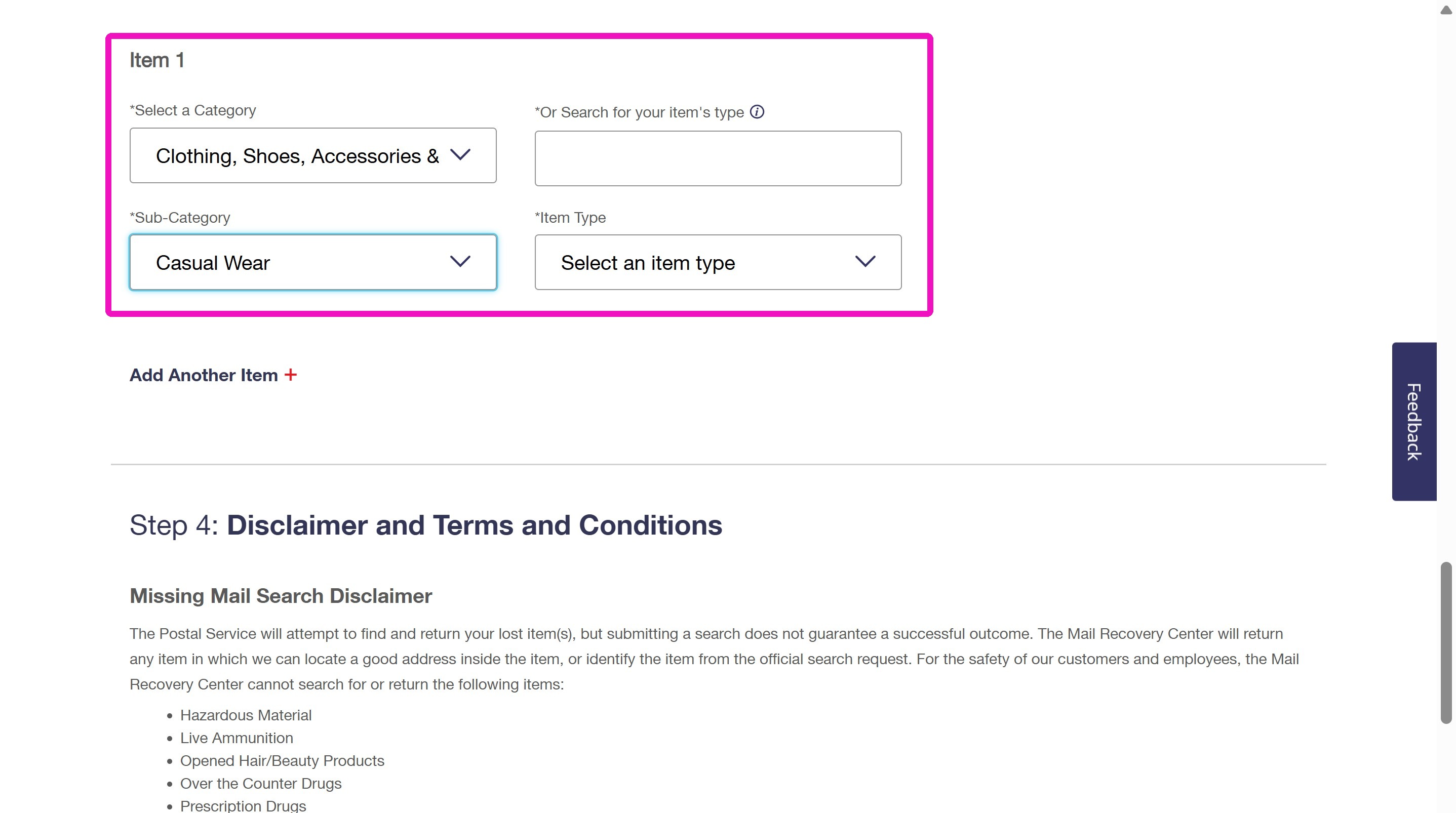
Review and Submit
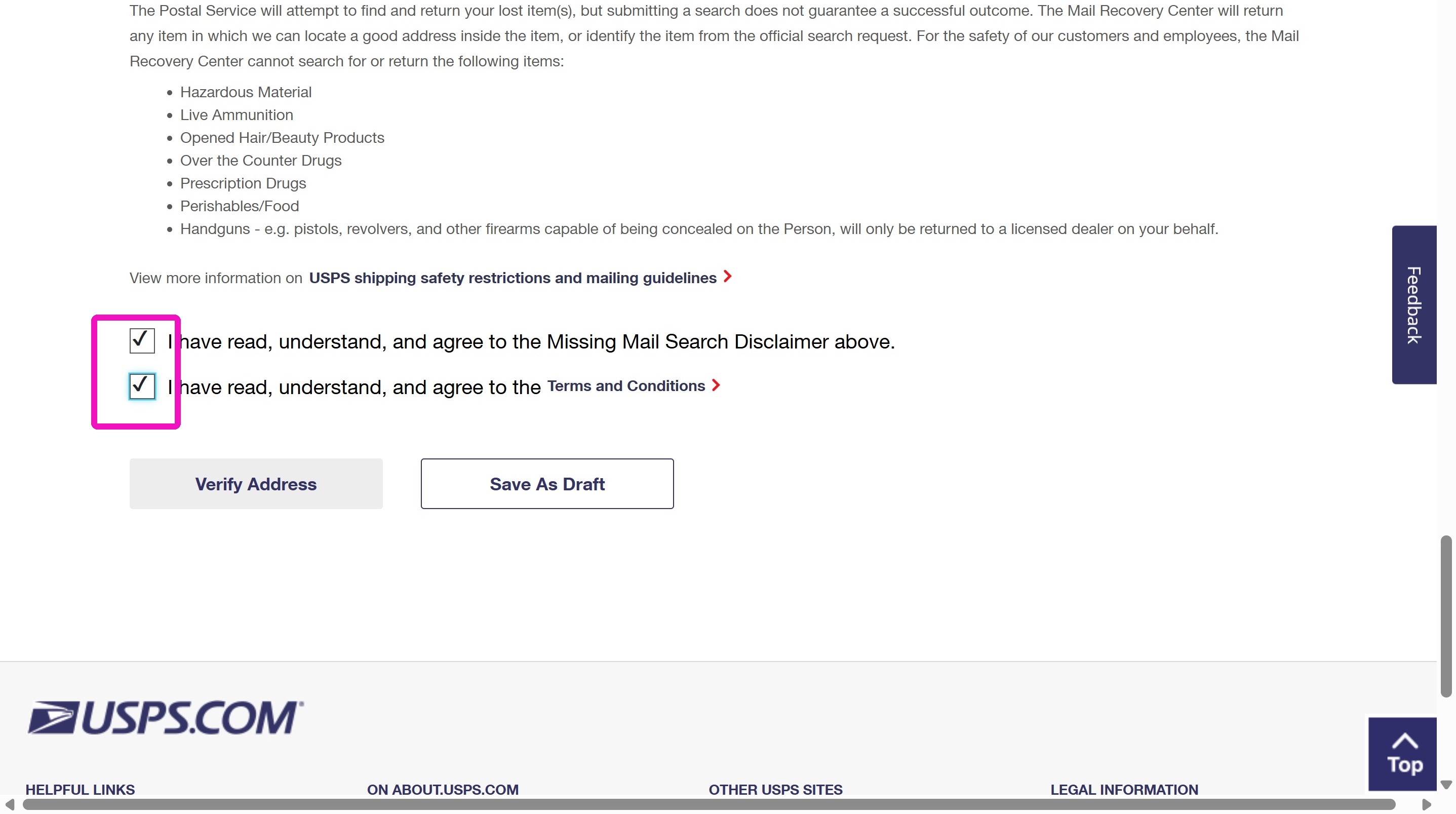
11. Click Verify Address to check the address and submit the mail search.
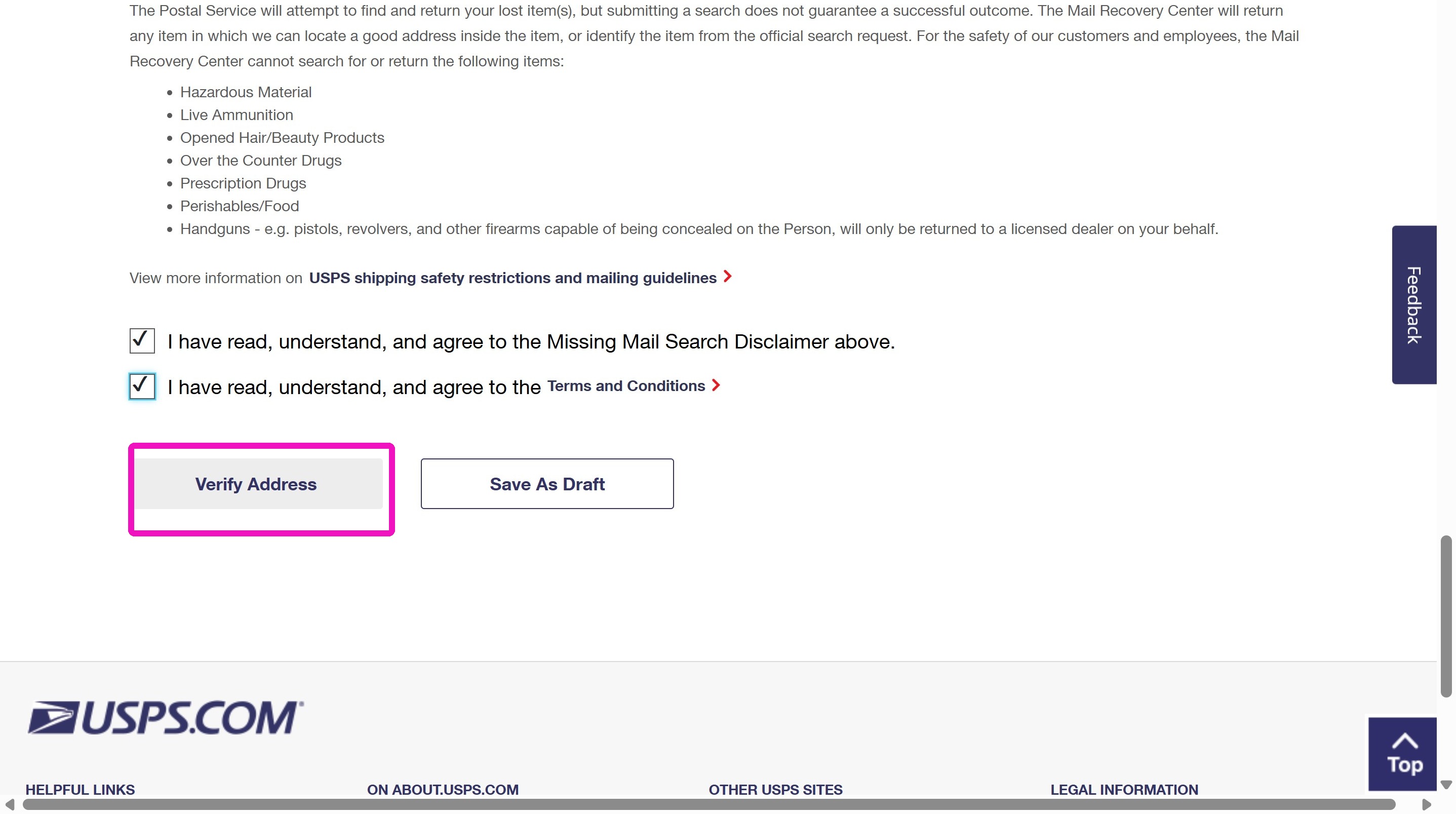
12. Take a screenshot of the confirmation/acceptance message showing the Search ID.
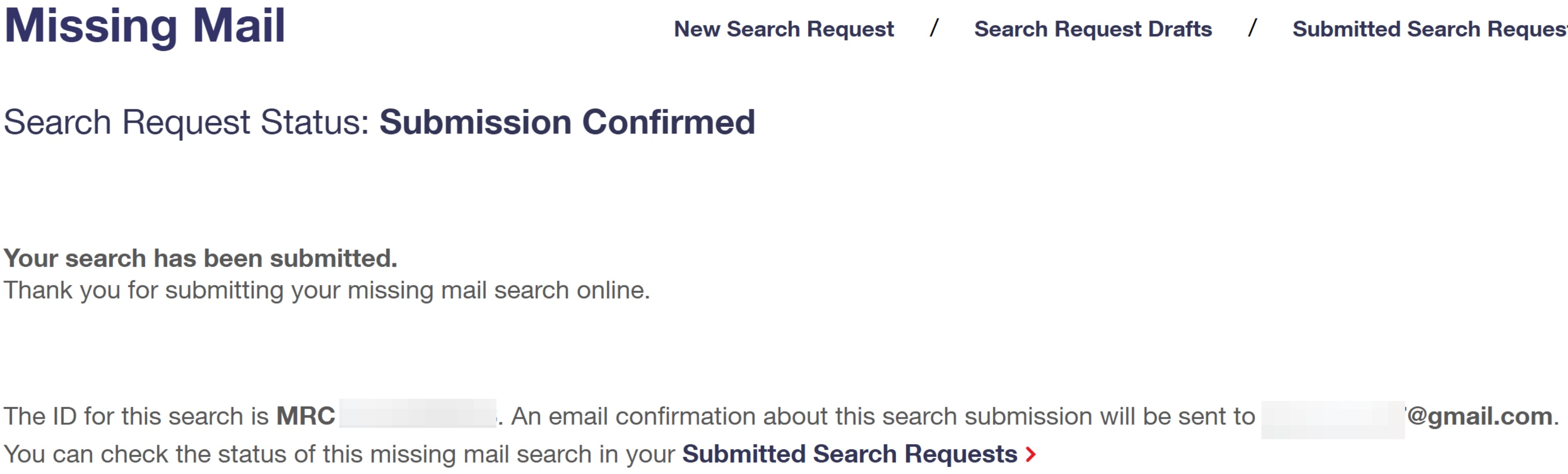
13. Message the customer letting them know you've filed the search for them and that they should watch for an email from USPS. Include the Submission Confirmed screenshot with the ID number. They will receive an email from USPS giving them their next steps.
Sample Message
I've submitted a missing mail form for you. Sometimes that gets USPS updating or investigating the issue. I've uploaded a screenshot with the search ID. They should email you soon.
Download the Guide
Related
More Articles
Getting Started
Welcome to Podzilla! The Podzilla website lets you manage products and orders associated with your shop(s). Let’s get you started.
Saving Sales with Canva Photo Cards
This customer service option has saved many of my sales! It only takes a few minutes, and is well worth it. I've included the instructional video and my script. Be sure you modify it for your brand and voice.
Shipping Profile Info
We use USPS Ground Advantage for all standard shipping. If your customers need their orders faster, Express upgrades are available. These use USPS Priority Mail, and pricing is as follows:
How to Use the Ornament Design Templates
TRANSCRIPTThis article explains how to use Podzilla’s ornament design templates, including safe...
Creating Products
This SOP outlines the steps to create both regular and variant products in the catalog system, focusing on the new product creation form and SKU generation.