Knowledge Base
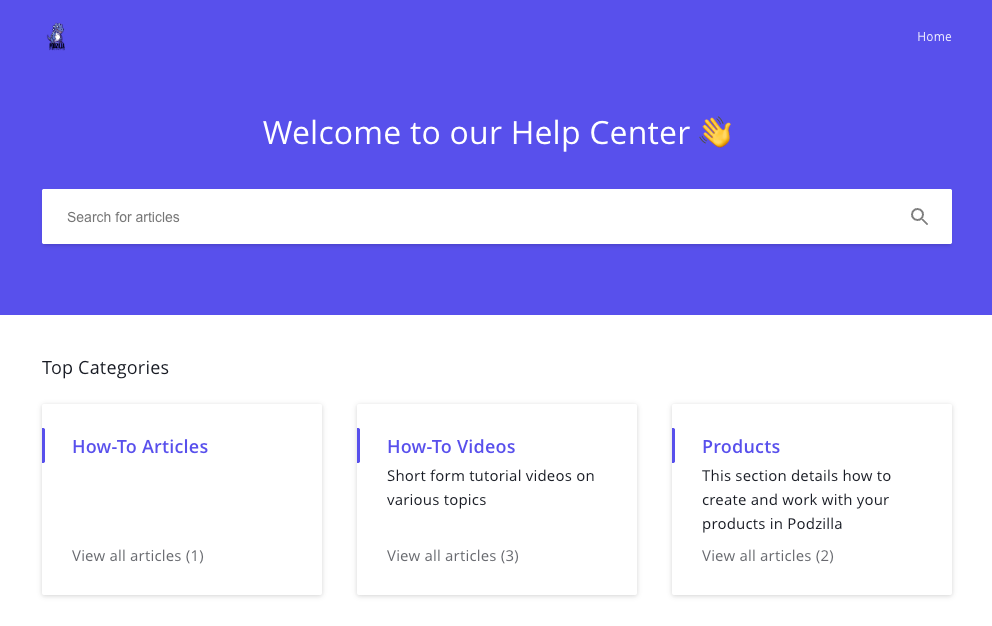
The knowledge base is your first stop for questions on using Podzilla. It contains How-To articles, videos, and product information. It also features a robust search to find answers easily.
Because Podzilla is growing and improving quickly, more information is added as new products or features are made available. Just another reason to use it as your main resource for questions.
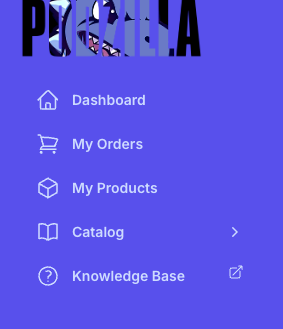
The link to the Knowledge Base is the last option on the sidebar.
Related
More Articles
My Orders
Before you can fill an order, it must be linked to a product in Podzilla. Products are linked from your Etsy store to your Podzilla product by the SKU (or Stock Keeping Unit). This is a unique code that tells the system what product and variation (if applicable) the customer ordered. Think of the...
My Products
This section is where you see your products and create new ones. The default setting is Grid view, but you can see all your products in a list by clicking the List button.
Order Cards
Each order shows up on a card with all the details for that order. It includes special identifiers to keep you updated on the order’s progress, action buttons, and special fields to communicate with Podzilla.
SKU's and How to Use Them
A SKU is a unique code that tells the system what product and variation (if applicable) the customer ordered. Think of them as product ID numbers to:
Your Account
Account Profile